
Kanbu v2: a sales advisor for online stores — and our biggest release yet
A shop assistant that finally recommends — only products you actually sell, and it says why. Plus connections to practically any of your systems, a new phone channel, and a rebuilt engine under every conversation.
Under everything below sits a rebuilt conversation engine. Most of that work is invisible on purpose — it's why answers arrive faster and why a conversation can recover cleanly when something goes wrong. On top of that foundation, we shipped a set of genuinely new capabilities.
Recommends only what you actually sell — and says why
The single biggest rework in this release: how the shop assistant decides what to show a customer. Instead of incidental search results, customers get ranked recommendations, the way a good sales assistant would give them.
- Product cards only from your catalog — the assistant never offers a product you don't have. That's enforced in code, not by model instructions.
- A reason with every recommendation — why this product, over the others.
- Searches by parameters, the way customers ask — price, size, color, in stock. "Under 1 liter" also matches 500 ml.
- An honest "we don't have that" instead of a guess — plus a similar alternative.
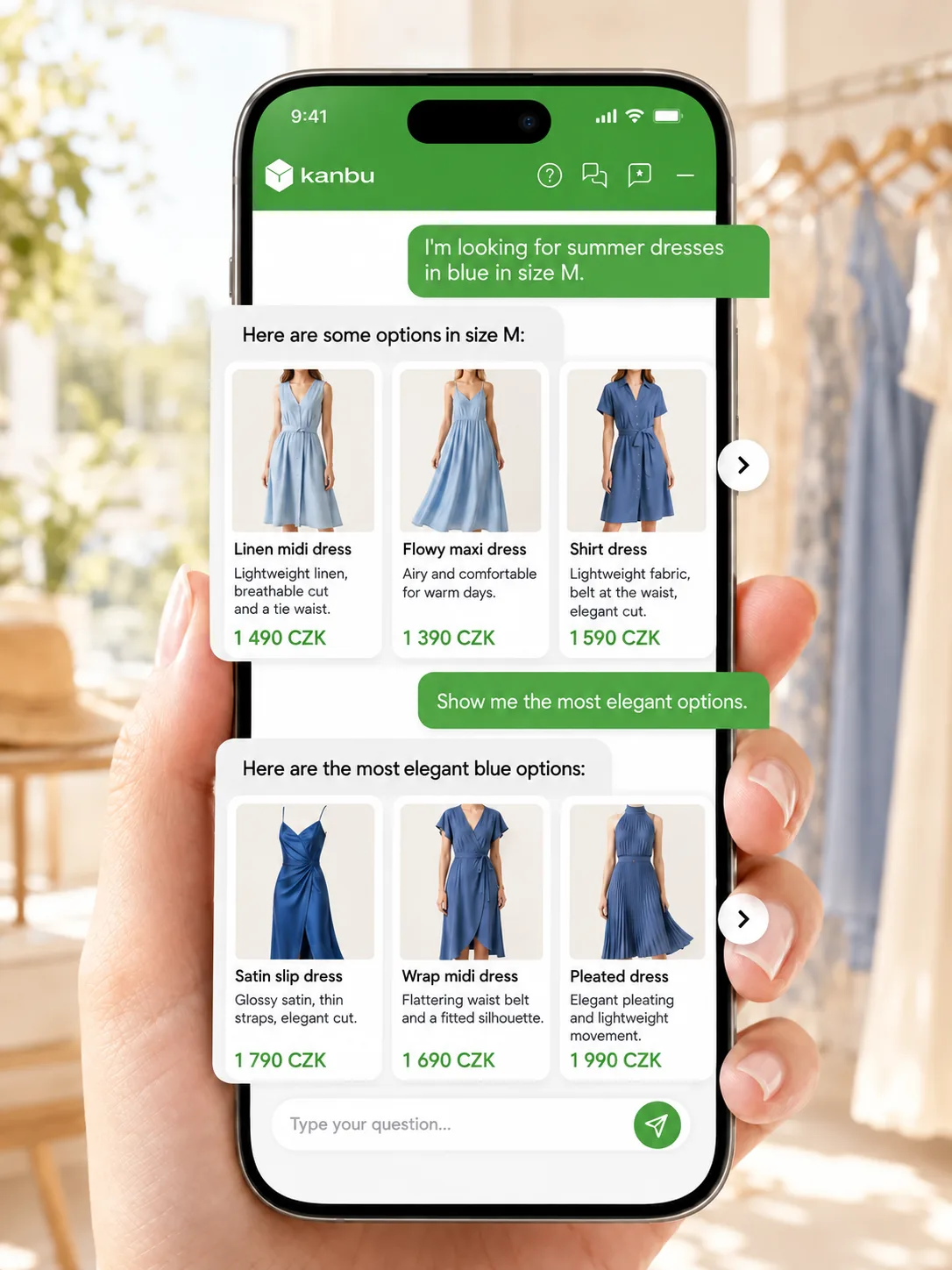
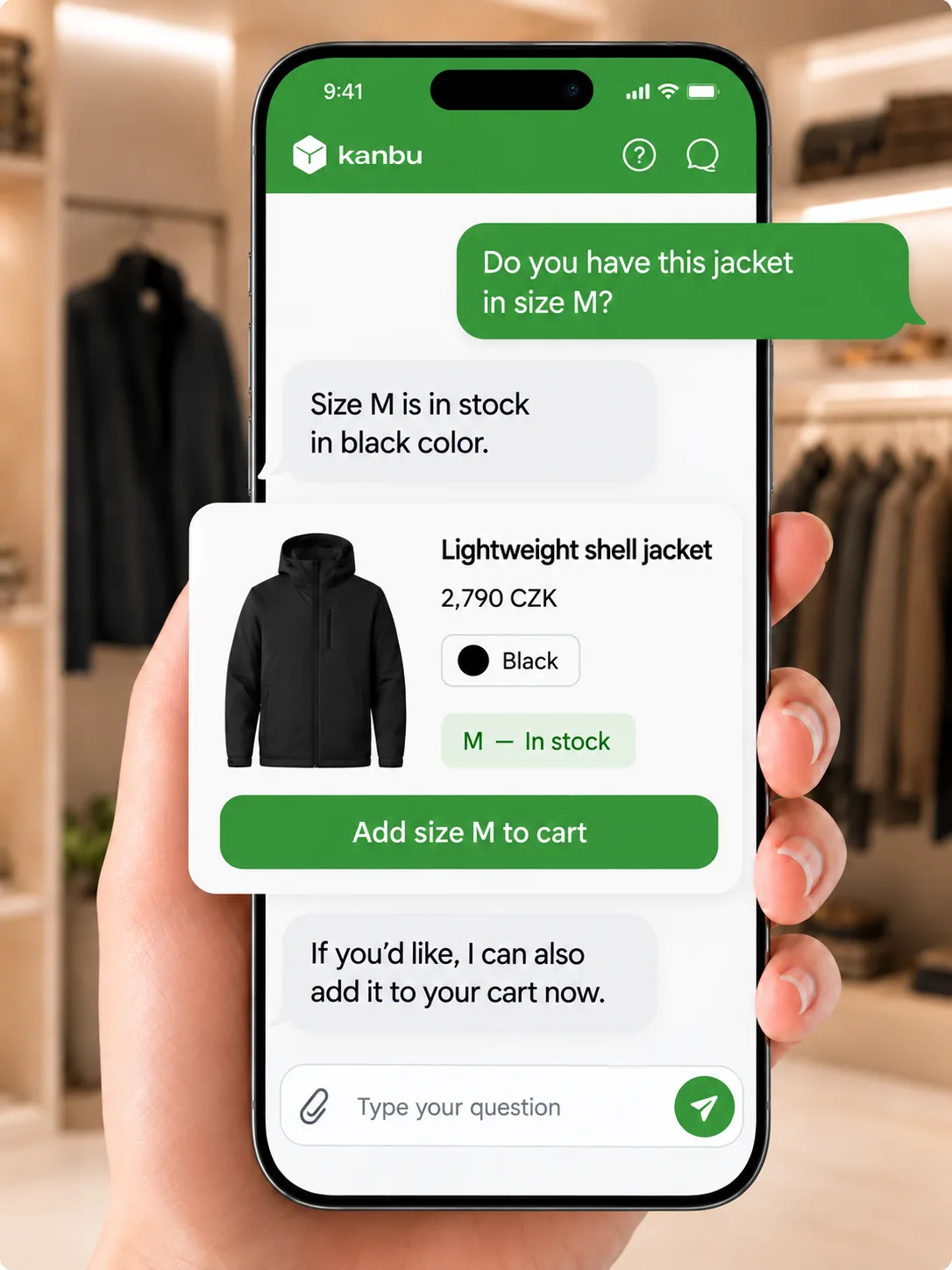
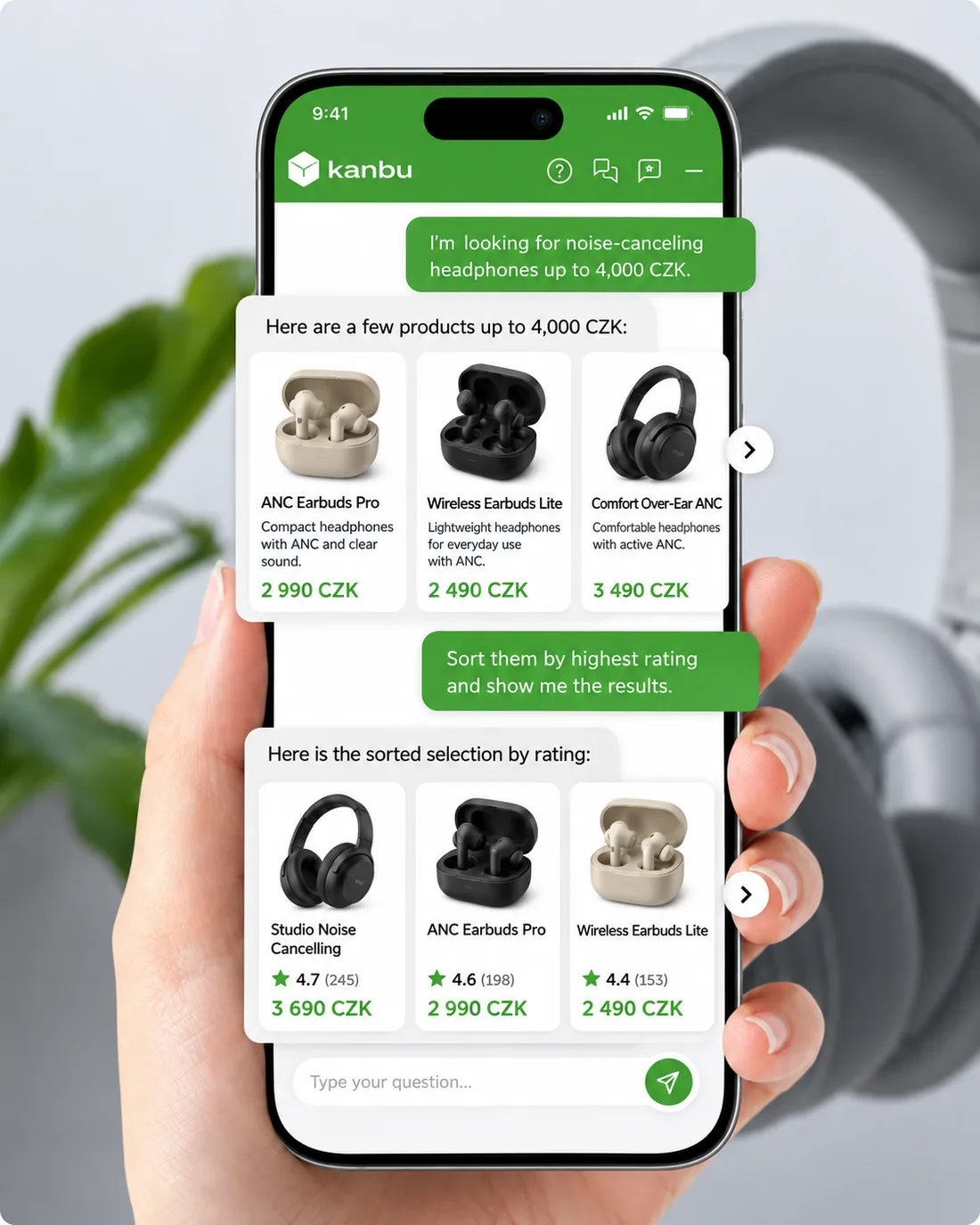
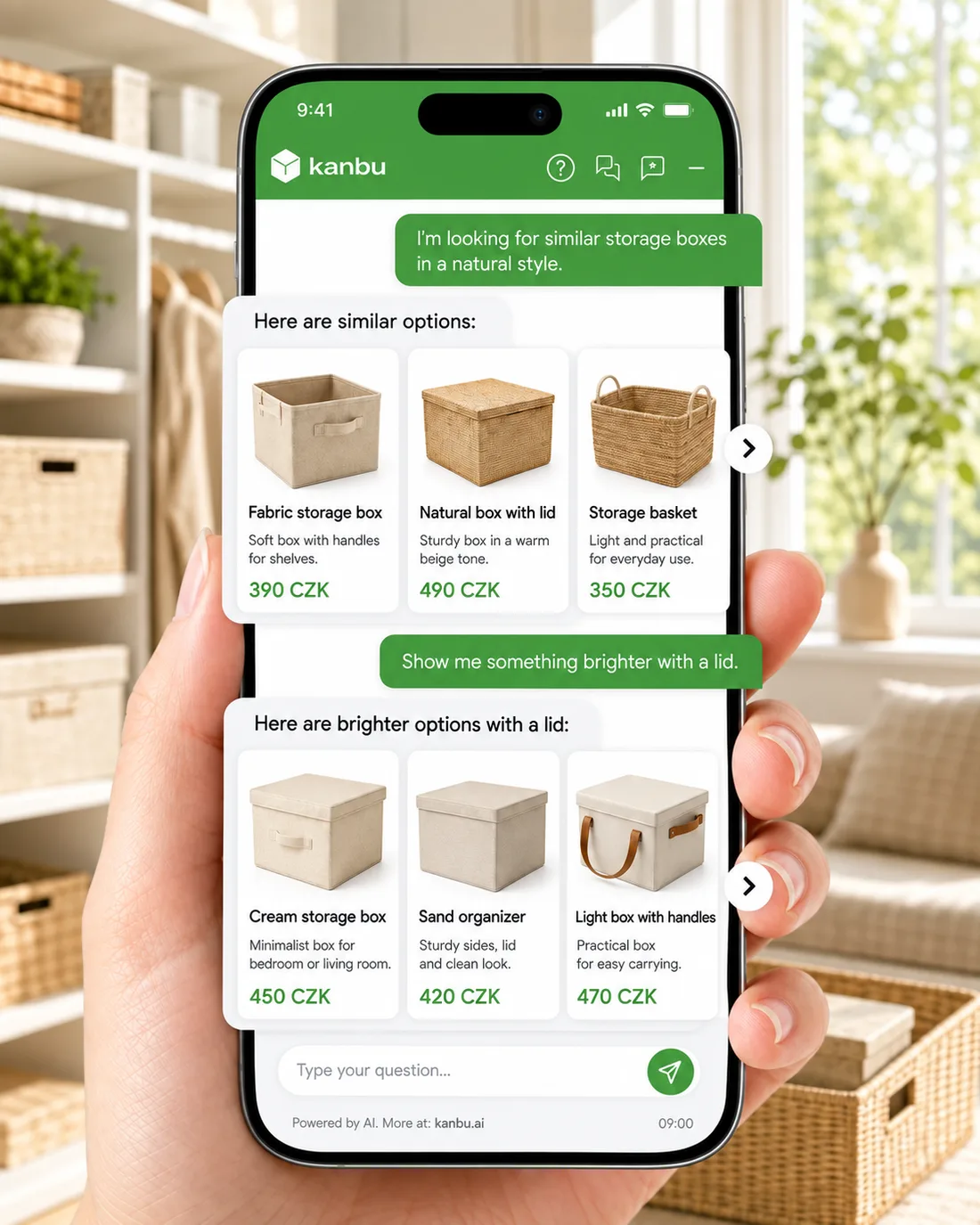
Colour and size
Filtering dresses by colour and size from the catalogue — no invented SKUs.
Before
The shop assistant could search the catalog — but a product turning up in an answer was incidental, with no deliberate choice or explanation.
Now
Retrieval is deliberate: the assistant decides what to search for, builds a ranked shortlist, and attaches a plain-language reason to every result.
Meaning-based and attribute search in one step.
- Price, category, in stock
- Category browsing
Deliberate, ranked recommendations.
- Side-by-side comparison
- Similar products
- Cards with a reason
The questions that close a sale.
- Real-time stock
- Delivery options
- Gifts & accessories
However a customer refers to a product.
- By SKU
- By EAN/ISBN
- Product cards with an image gallery, price, and the recommendation reason.
- "Show more" and "Similar" buttons right on the card.
- Turn on image enrichment and the assistant sees your product photos, not just the text description.
- Feed health at a glance — what imported cleanly, what failed. Heureka, Zboží.cz, and Google Merchant feeds supported.
Not just answers — it gets things done
Kanbu connects to the systems you already run, so a conversation can end with the job done, not just an answer. And you're not limited to our list — you can connect practically anything.
- One-click Notion, Linear, and Freelo — sign in with the service directly, no tokens to copy.
- Any MCP server — hundreds of official and community servers, or your own. All it takes is the server address and how it signs in.
- Any REST API as a tool — your store, ERP, CRM, or helpdesk, even when no MCP server exists for it.
- You decide what the assistant may do. Pick the exact tools each connection exposes; newly discovered ones stay off until you enable them.
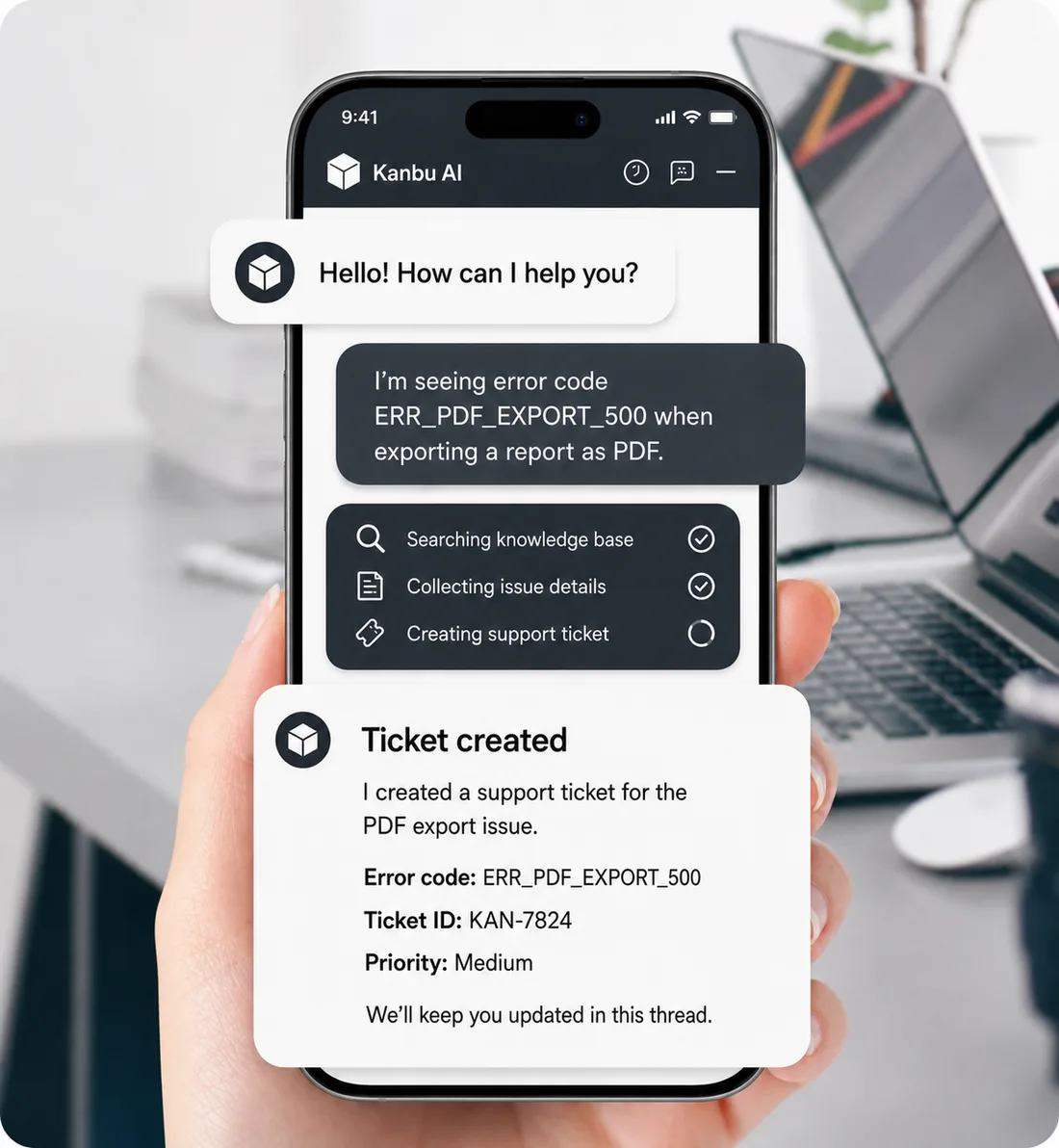
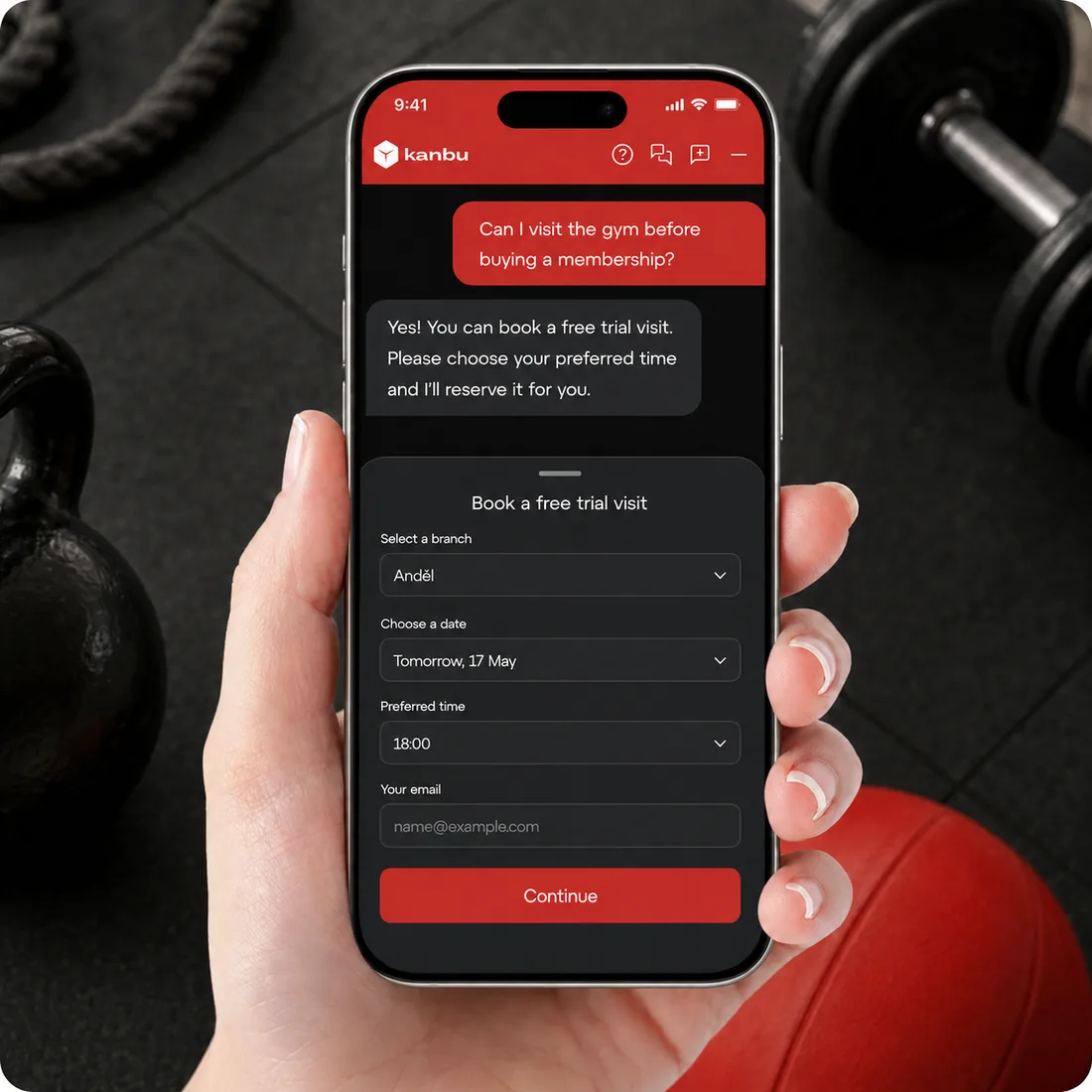
Error report and ticket
Collects the error description and creates an issue ticket with conversation context.
Notion, Linear, Freelo, and any other MCP server — the assistant sees their tools in the conversation.
- Answer from internal wiki
- File a Linear bug
- Create a Freelo task
- Your own MCP server
Any REST endpoint — your own or a third party's — with no dev project.
- Order status
- CRM updates
- Ticket creation
- Stock from your ERP
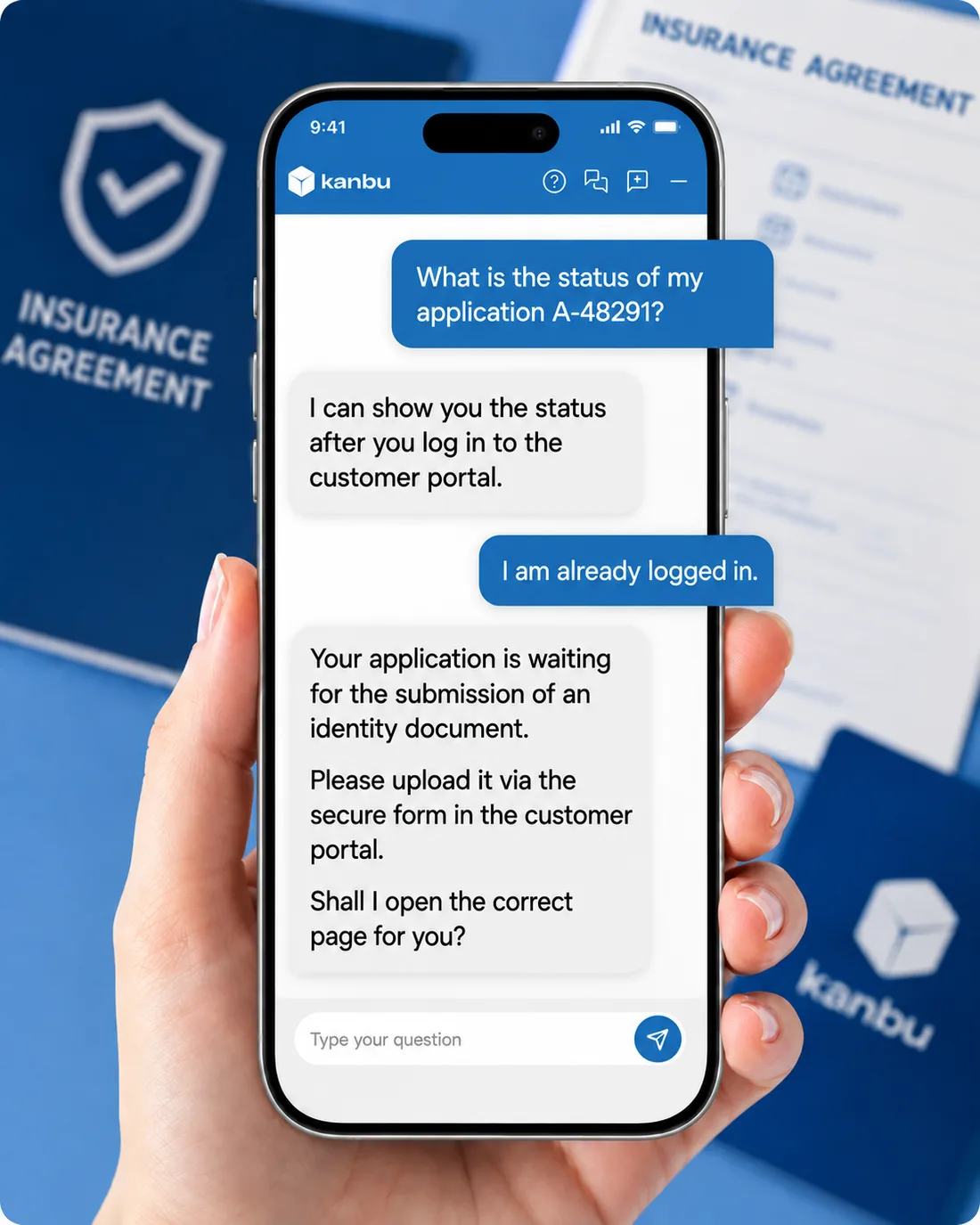
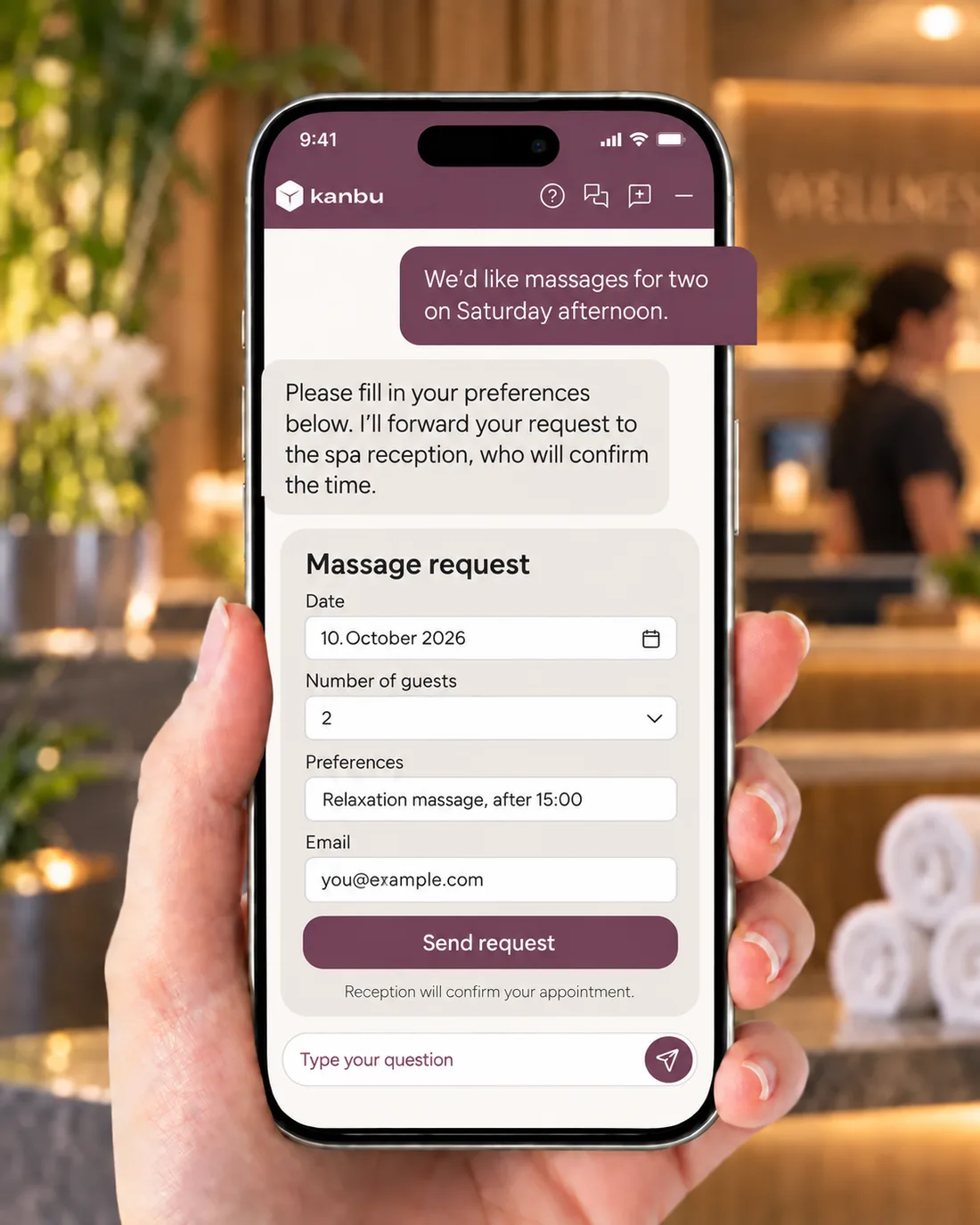
Clean structured data instead of free text.
- Lead capture
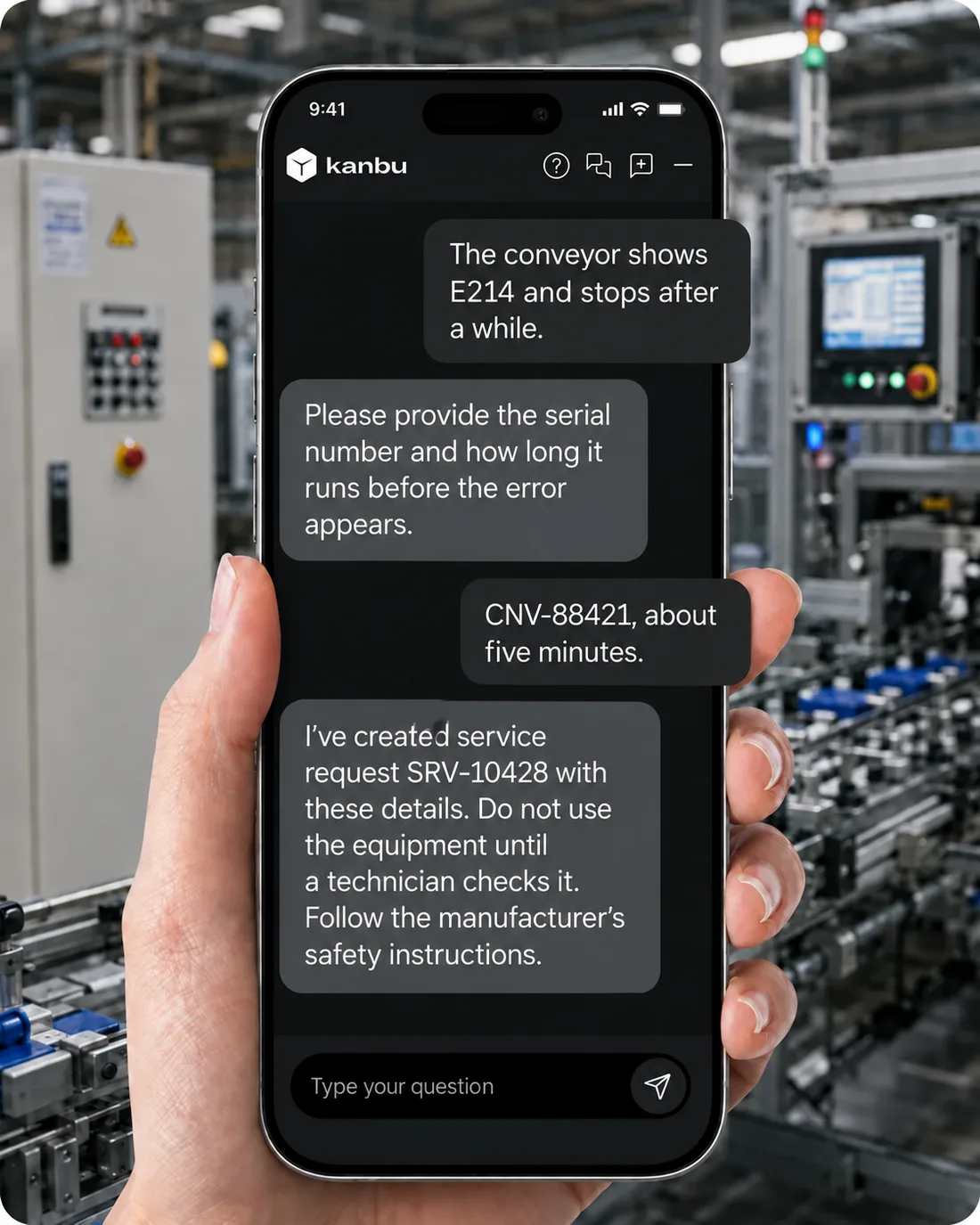
- Warranty intake
- Bookings
Reusable “how we handle X” steps, loaded only when needed.
- Return process
- Lead qualification
- Handoff to a person
We'll keep expanding the one-click catalog — tell us which services you want in it, and your requests shape the roadmap. You don't need a dev team: every connection is configured directly in the dashboard, in hours instead of weeks of custom development. And if a specific system has you stuck, we'll connect it with you. Also on the roadmap: Kanbu Copilot and finer control over MCP connections.
New channel
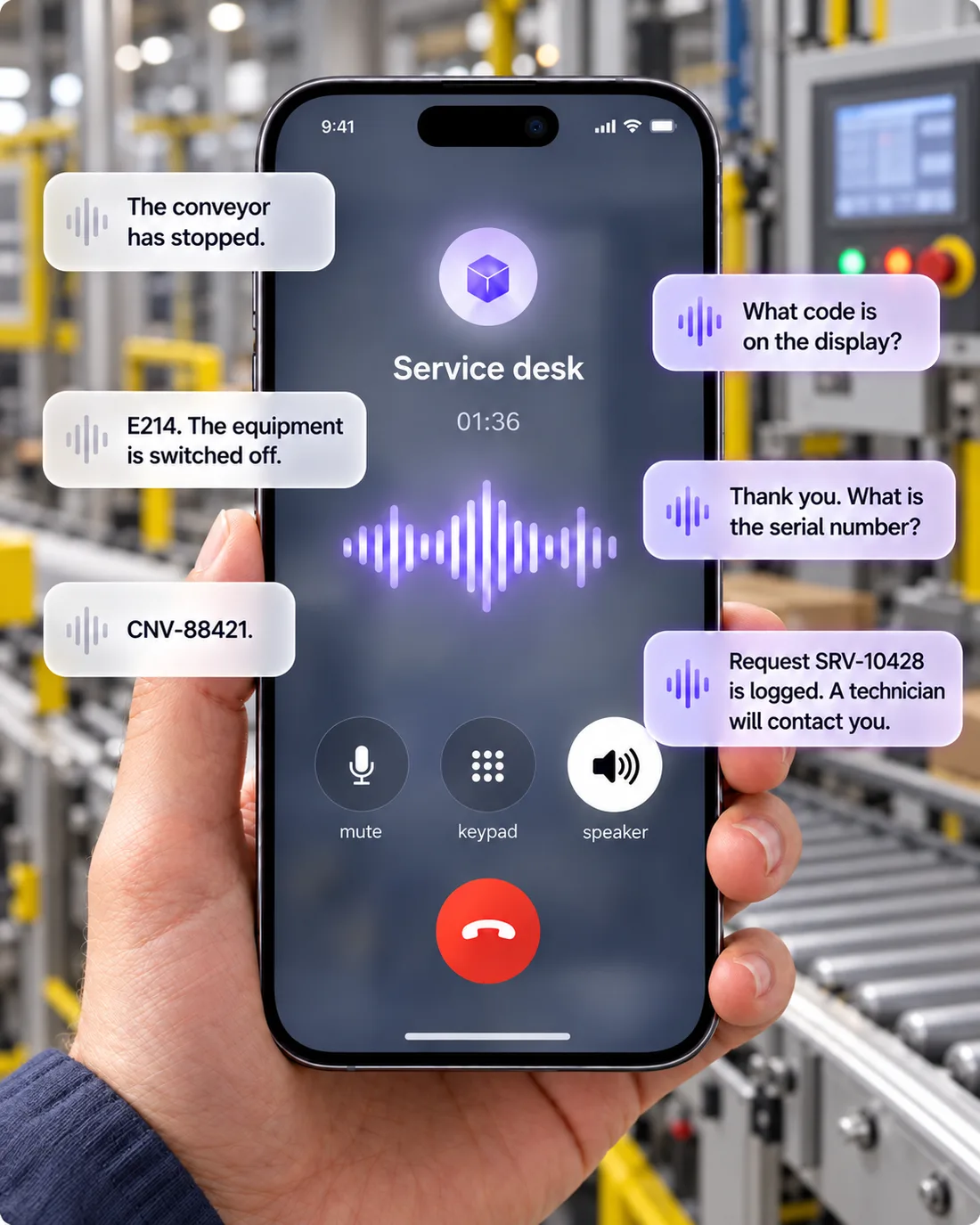
Kanbu can now answer the phone
Voice joins chat as a full channel — same knowledge base, same tools, same brand voice, now on the phone.
- Natural, real-time conversation powered by Google's Gemini Live — no robotic menus.
- 30 voices to choose from, male and female, to fit your brand.
- Can transfer to an operator or end the call gracefully on its own.
- Calls are saved as transcripts alongside your chats, with usage tracked.
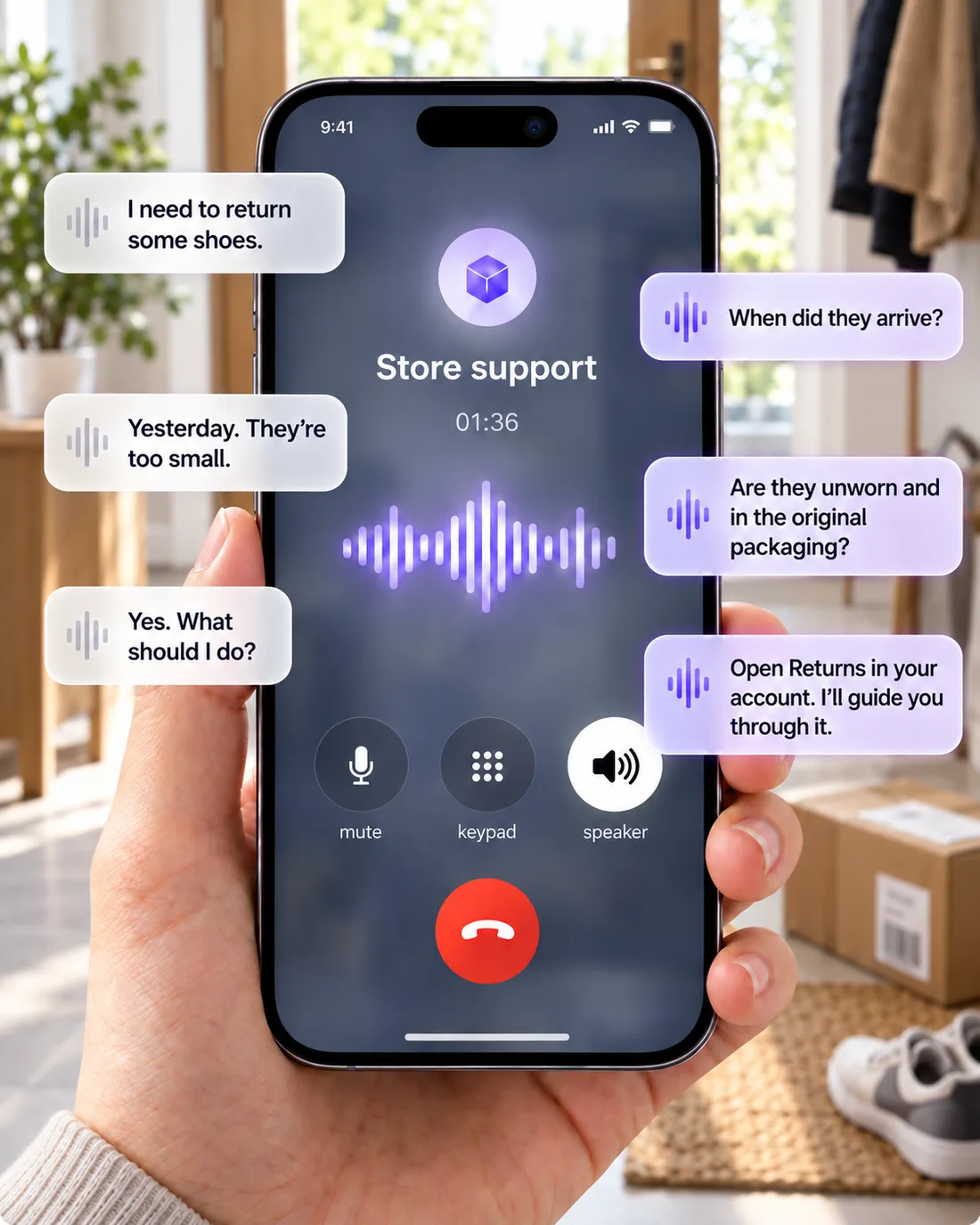
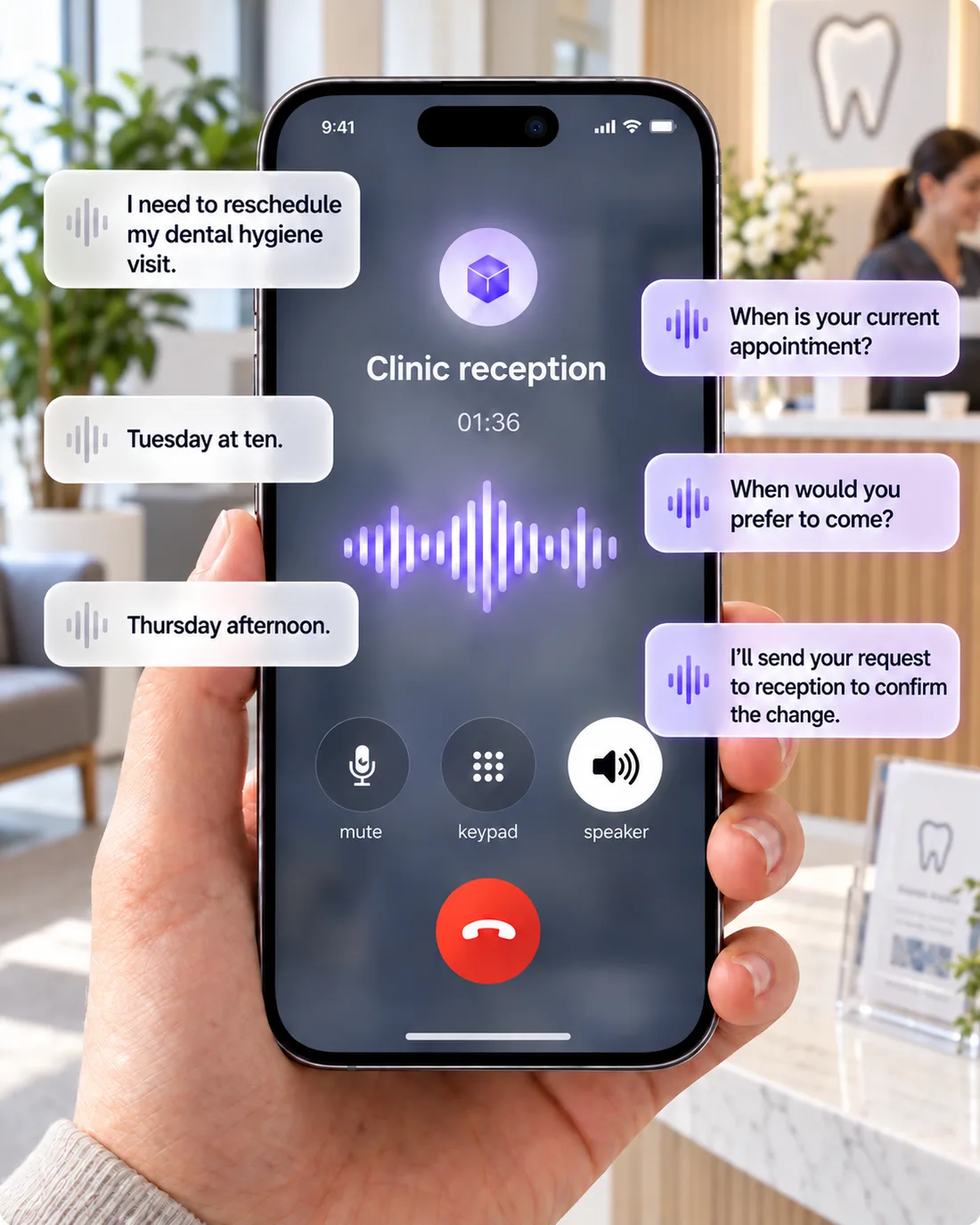
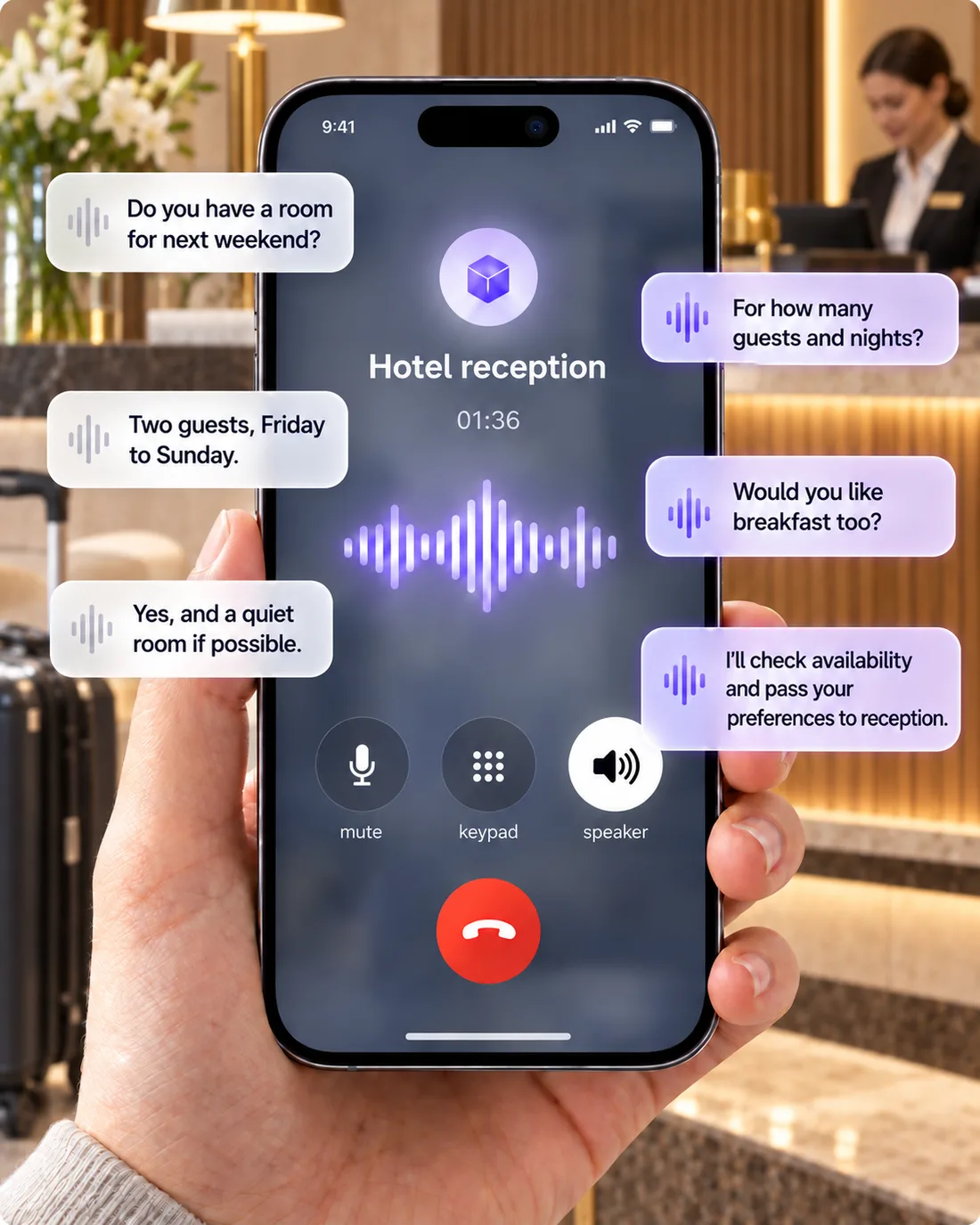
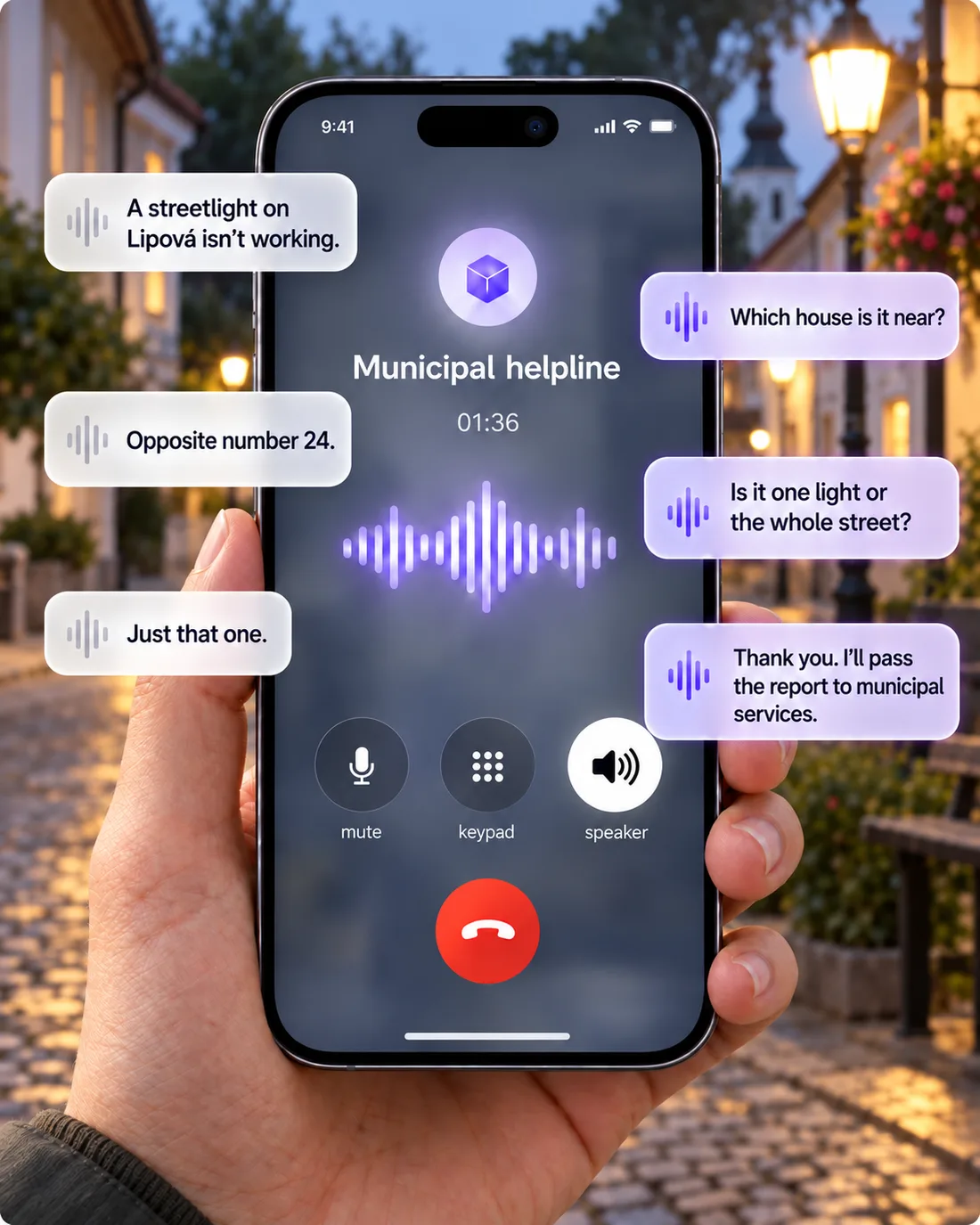
Return request by phone
Asks about the return and guides the customer through the store’s return process.
Faster, more transparent answers
Watch the assistant think
- Responses stream in word by word instead of waiting for the full answer.
- Sources appear live, as they're found — not just at the end.
- An activity trail shows what's happening behind the scenes, in real time.
- Optional automatic moderation catches inappropriate messages before the assistant responds.
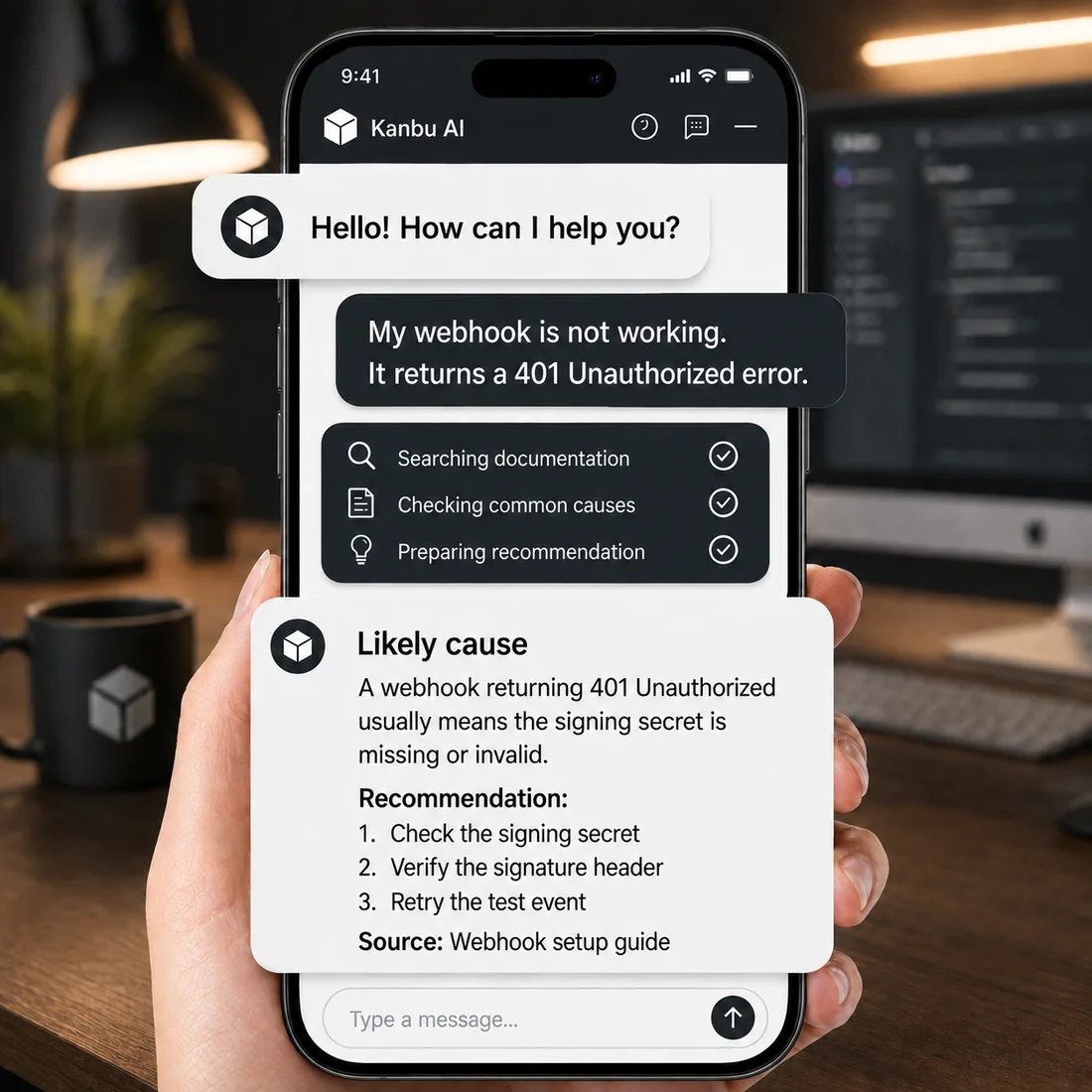
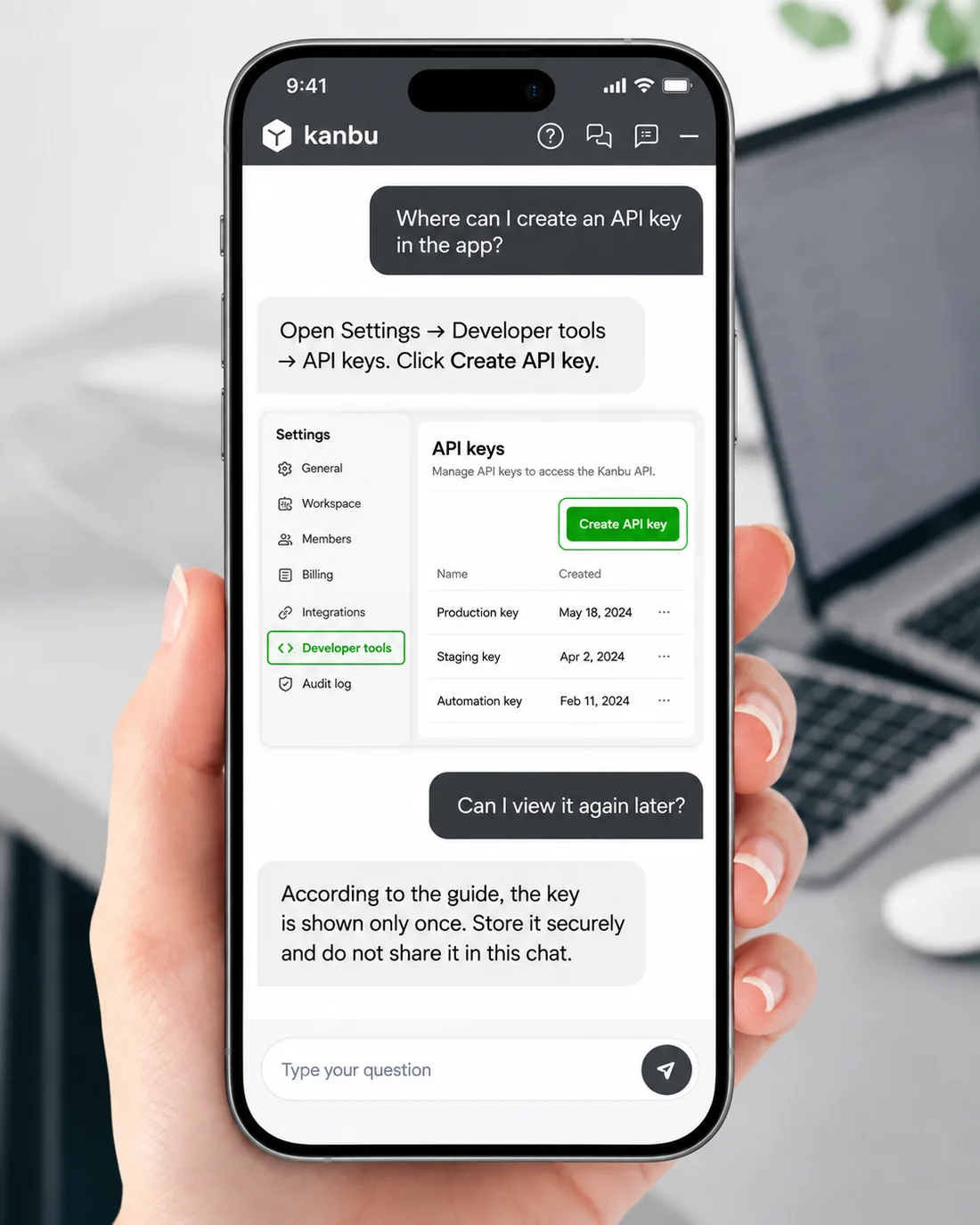
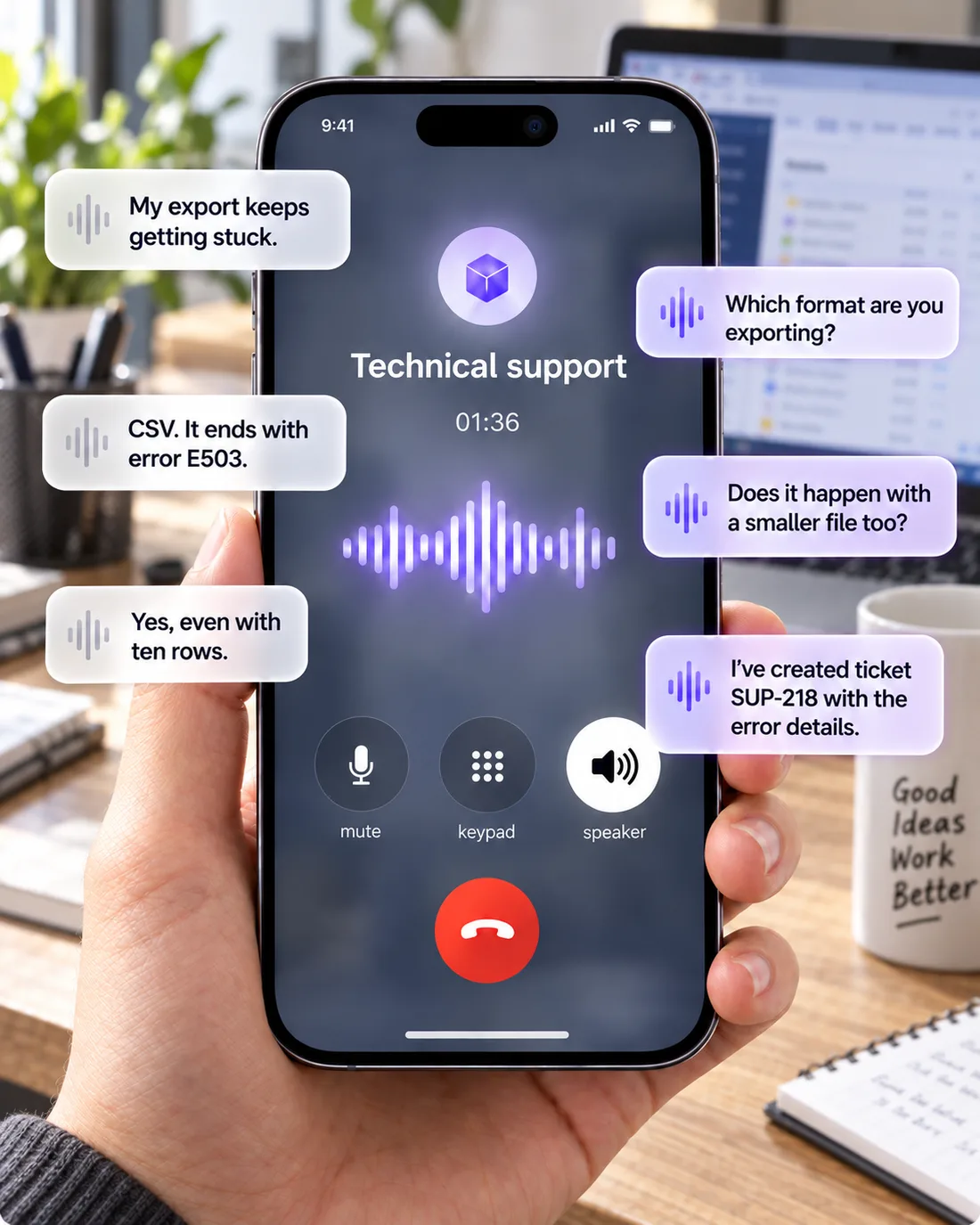
Webhook error investigation
Investigates the likely cause of a webhook failure from docs and reported symptoms.
Knowledge base
Smarter reading, more sources
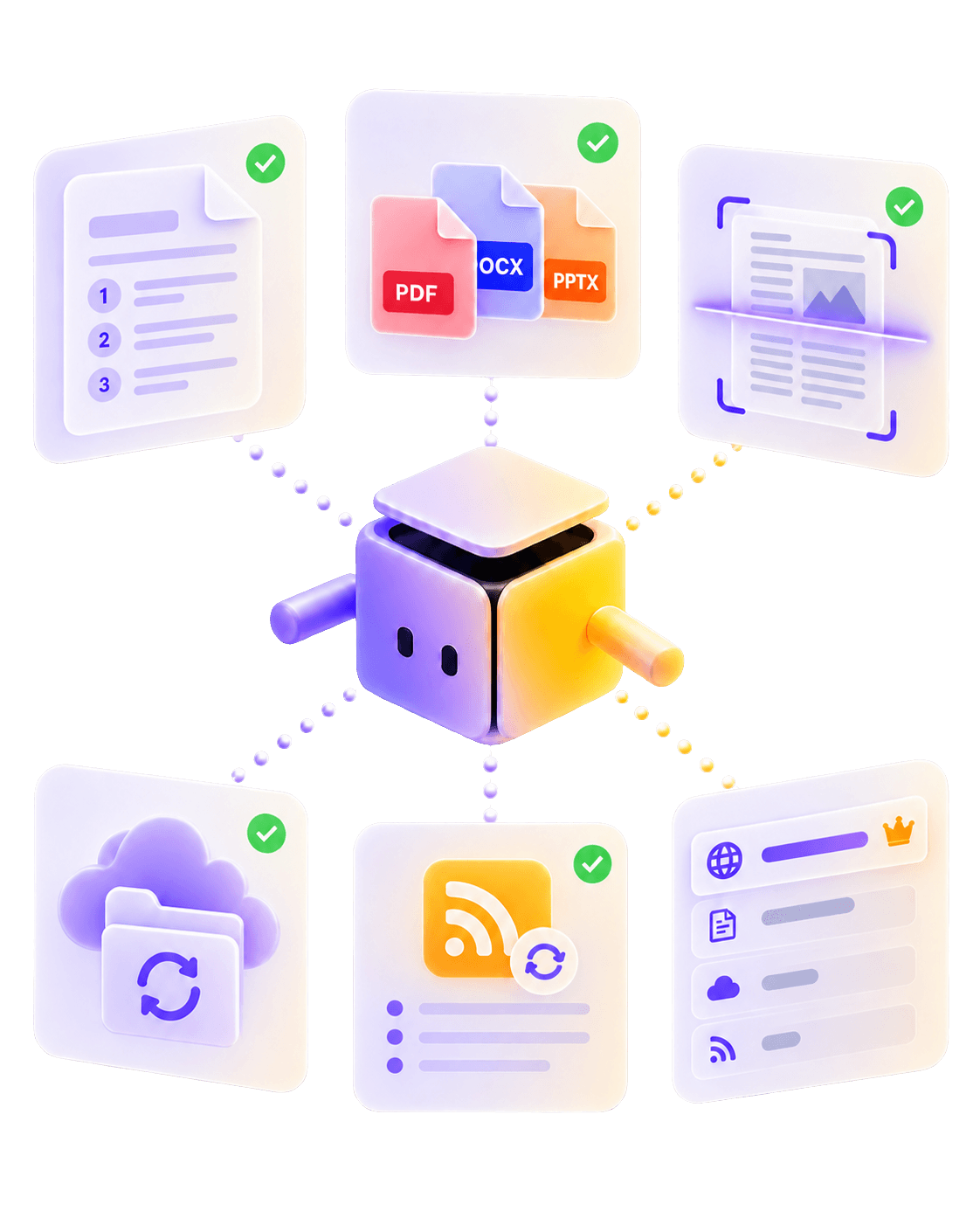
- Structured documents — headings, numbered articles — are understood section by section, not sliced randomly.
- The built-in web tool can read PDFs, Word, PowerPoint, and scanned images on the spot.
- Google Drive (publicly shared folders) and RSS/Atom as sources with automatic updates.
- Source priority and optional removal behavior for disappearing pages.
Quality, measured — not assumed
Thousands of test conversations
We built a dedicated evaluation harness and ran it relentlessly, before deciding what shipped.
- Across dozens of rounds, we ran thousands of real questions and measurements.
- Every model goes through the same gauntlet. Our default, Gemini 3.8 Flash, is the only one to pass every case in our toughest suite.
- The model lineup grows with new generations from OpenAI, Anthropic, Google, and xAI, plus strong open-weight models.
- The same discipline killed ideas that looked good on paper — and kept only what actually works.
New deployment modes
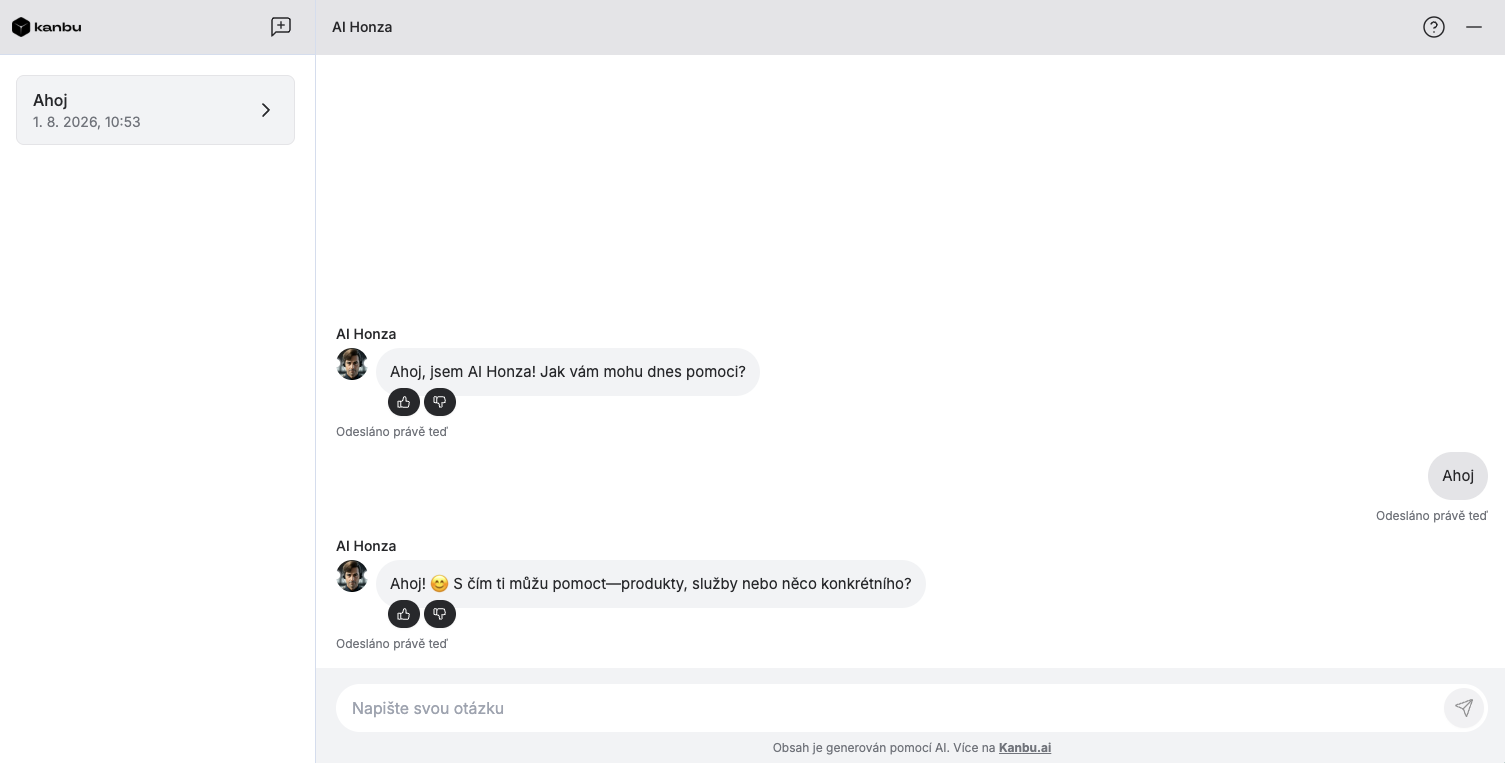
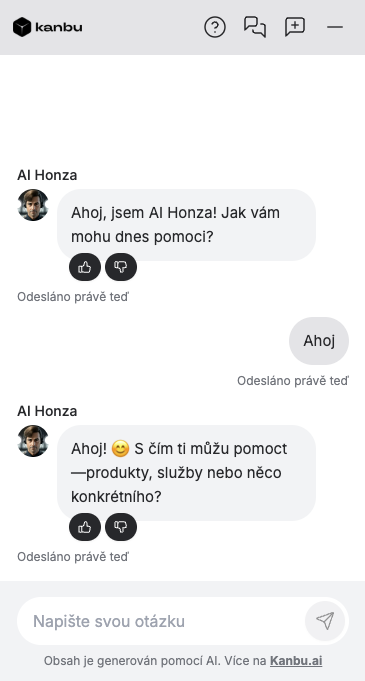
Not just a corner bubble anymore
- Visitors can maximize the chat window mid-conversation.
- A new full-page chat display mode — for a hotel QR code, a kiosk, or a dedicated support page.
- A real step forward for an assistant for your own team too — a full-page workspace instead of a small popup.
- The share link stays the same either way.
Partner organizations
One view for every client
- A single portfolio view — no more switching organization by organization.
- Provision, switch, and bill clients from one partner account.
- A "Mine only" filter for large portfolios.
- Partner seats kept separate from client billing.
Also in this release
Refreshed assistant activity log for admins
Smarter operator choice on handoff to a person
A clear list of all feed products, with search
Inline images now render directly in answers
Transactional emails in your organization's language
A live "waiting for an operator" indicator with a timer
Want to see Kanbu in action on your own site?
Try it with my data