AI assistant for software & SaaS
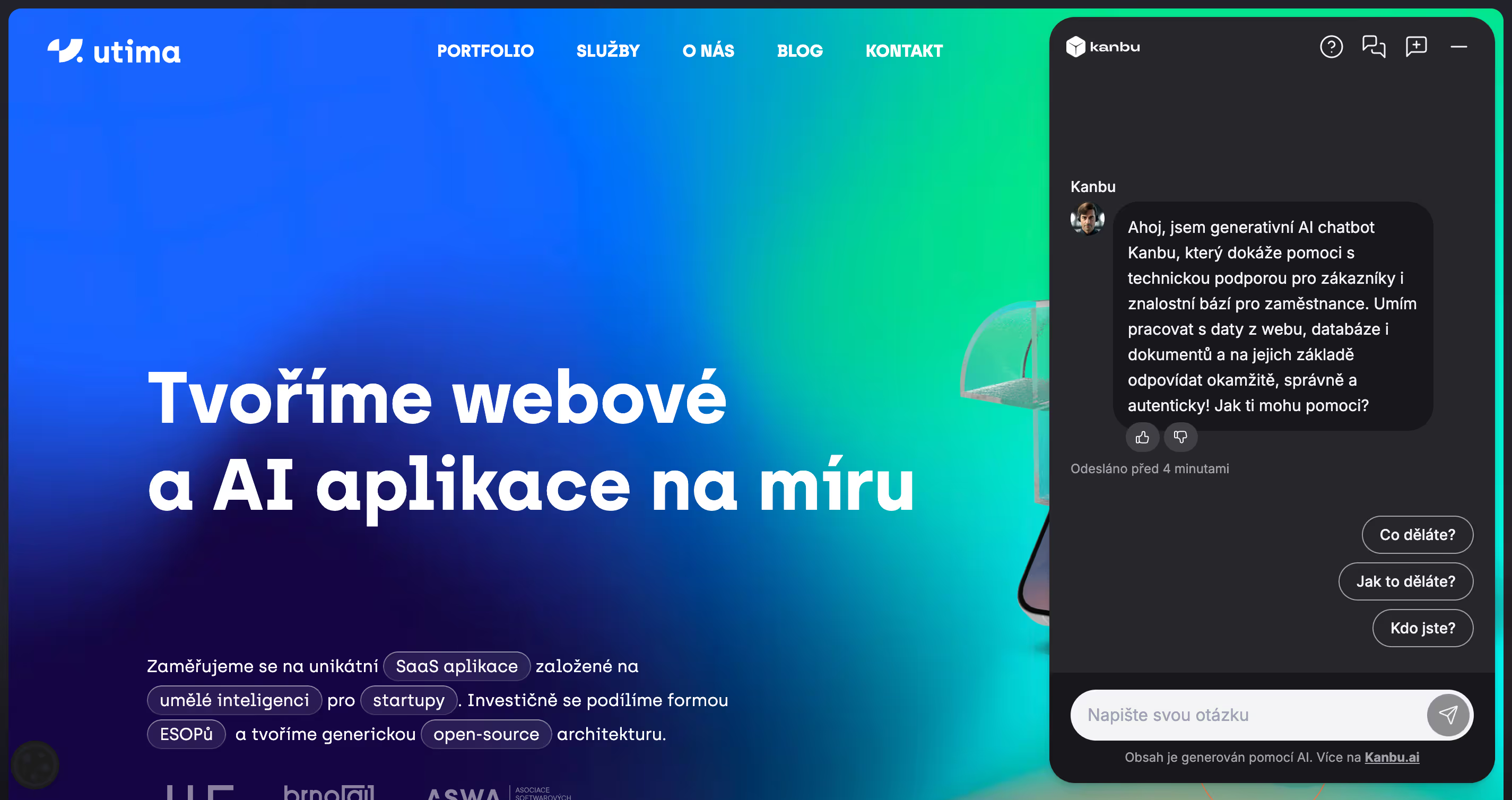
I help customers and colleagues find answers in product and API documentation. I explain the steps, show a relevant image and prepare a support request through a configured connection.
Typical pain
Support is swamped with repeat technical questions, docs are fragmented, and engineers get escalations without context. FAQ bots can't check an API key or explain plan differences.
- Same billing, limit, and integration questions on repeat
- Docs on the website, Notion, and changelogs — answers diverge
- Engineering escalations without repro steps and logs
- Internal onboarding with no single place for new-hire questions
What I handle
- Docs and changelog answers with citations to the source
- Plan limits, billing FAQ, and feature matrix
- API keys, auth errors, and setup wizards
- Account or workspace status via API
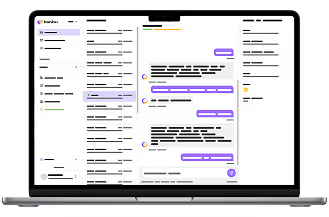
- Internal onboarding for your team inside the company (full-page chat in Kanbu)
- Ticket or human escalation with full history
Outcomes to expect
Self-serve clears most docs and billing questions without waiting for support.
Engineering only gets reproducible bugs — with steps and chat context.
Customers see sources and progress: knowledge search, API call, handoff.
A typical conversation
I find it in knowledge
First I search approved docs, changelog, or wiki and answer with a citation.
I verify in your system
Via HTTP I check account status, plan limits, or integration state — data comes from your system.
I collect repro data
A form gathers steps, version, error log — structured for support or engineering.
I close or hand off
I finish self-serve, open a ticket, or pass a specialist the full conversation.
Concrete scenarios
“Why isn't my webhook working?”
Citation from API docs + checklist via form (URL, secret, last response). If needed, I verify integration status via API and escalate with logs.
Upgrade or downgrade a plan
I explain tier differences from your approved feature matrix (with citation). Billing exceptions or enterprise deals go to sales.
Internal “where's the runbook?”
Full-page chat for your team inside the company: answer from Notion wiki via MCP, link to the runbook and escalation contact — on your knowledge, without searching five folders.
“Can you integrate with our SSO?”
I explain the current options from your docs, collect technical details in a form if needed, and open a ticket for your technical team.
A customer calls with an error message
The customer describes the error out loud. I find the answer in the docs, and if needed, verify integration status via API and open a ticket with the call's context right away.
An on-call engineer calls mid-incident
During an incident, the engineer doesn't have time to search the wiki. They call, describe the symptom, and I find the relevant runbook and escalation contact via Notion MCP — out loud, fast.
What it looks like in practice
Concrete examples of conversations with the assistant in this industry.
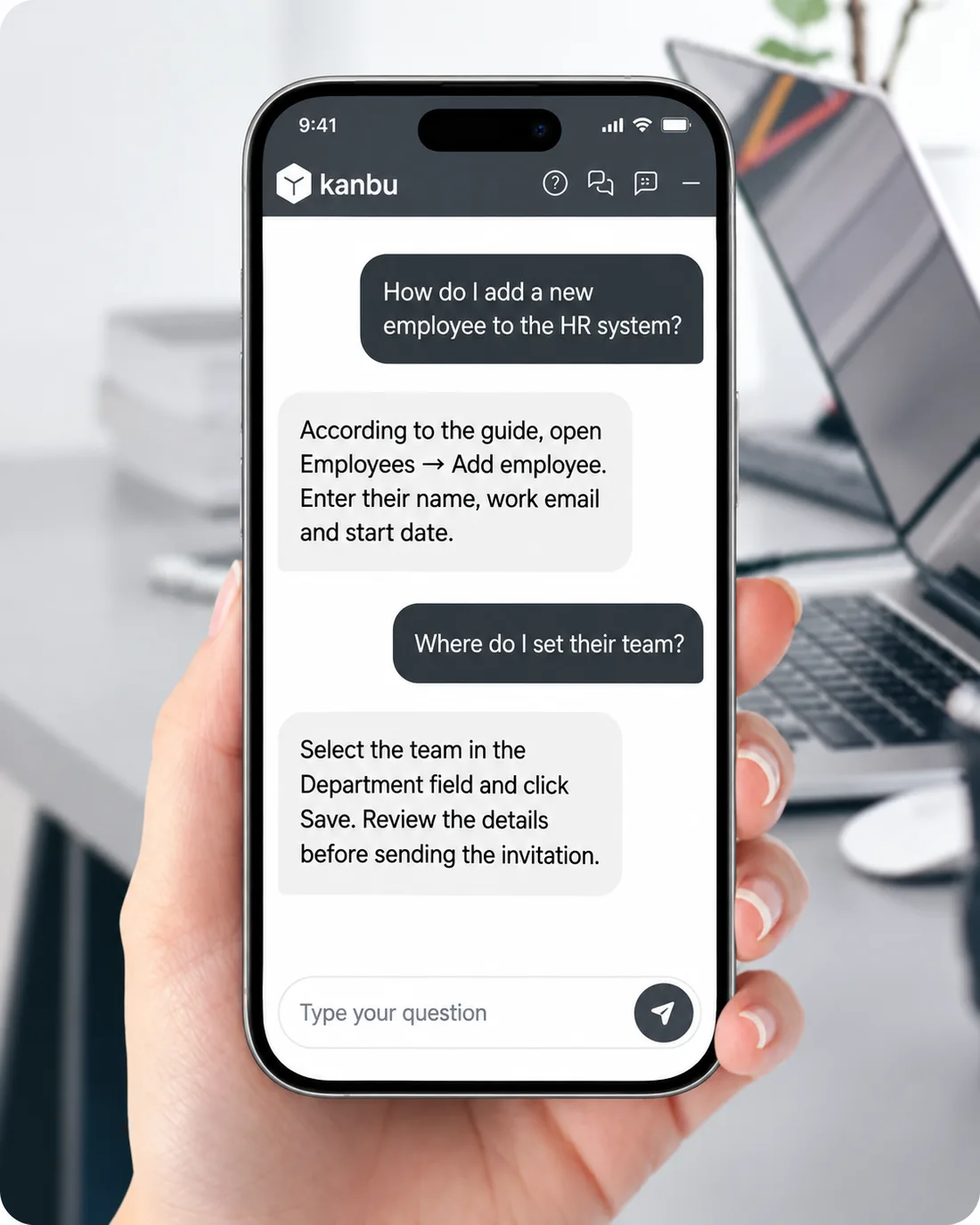
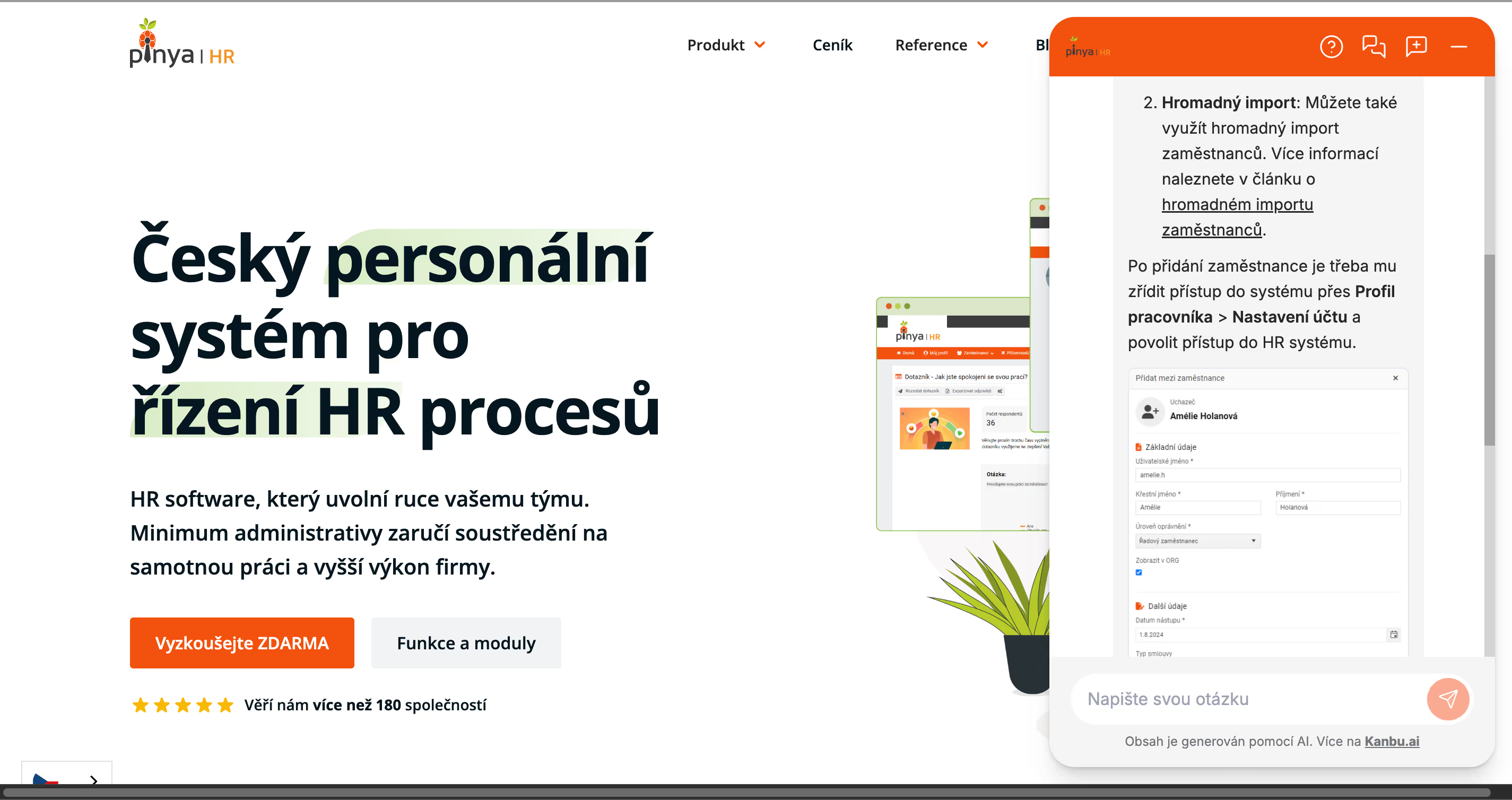
Step-by-step guidance from approved documentation — adding an employee and checking their details before sending an invitation.
Internal system how-to
Step-by-step guidance from approved documentation — adding an employee and checking their details before sending an invitation.
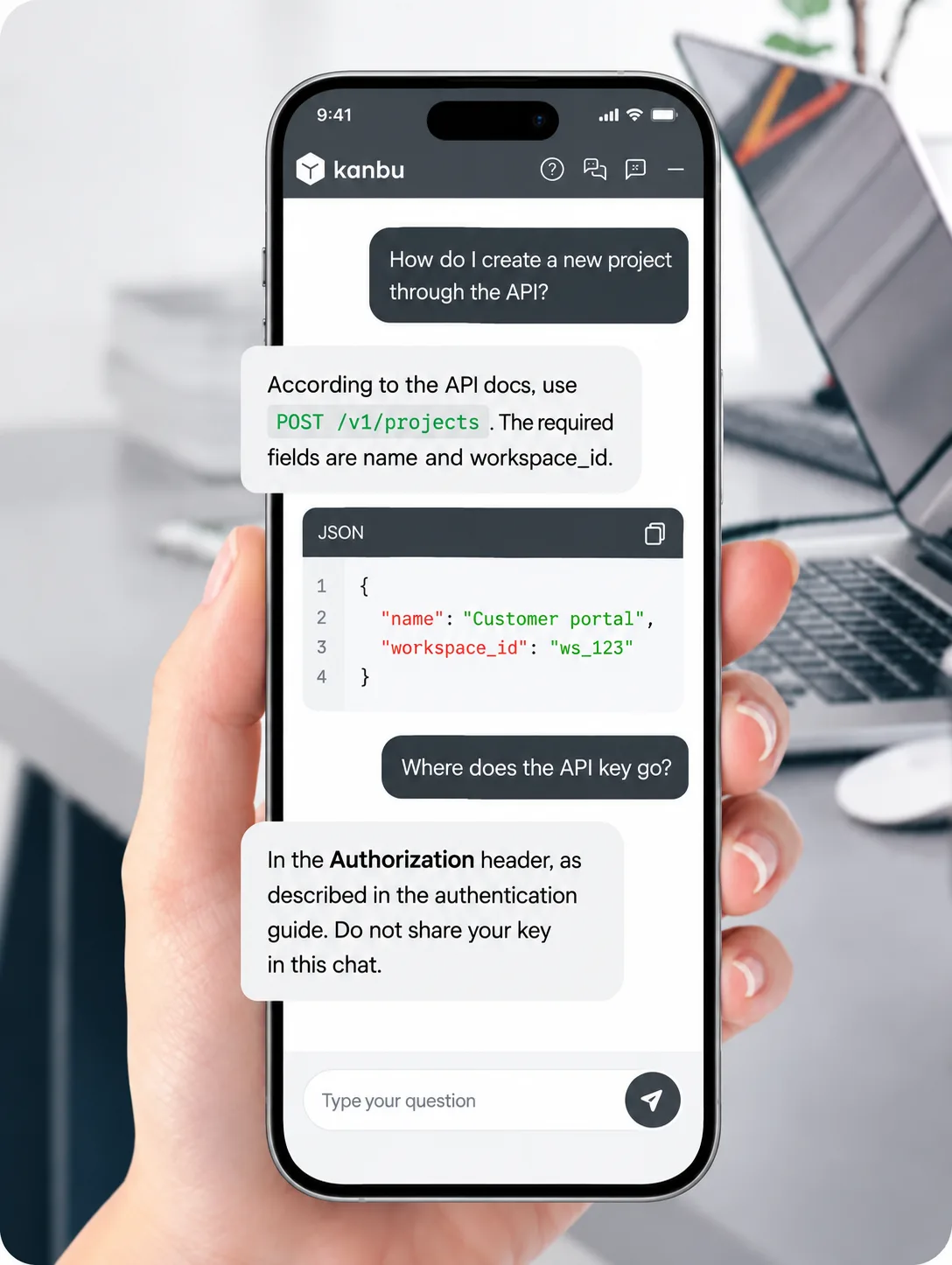
Explains request type and format with an example from approved API documentation.
API request format
Explains request type and format with an example from approved API documentation.
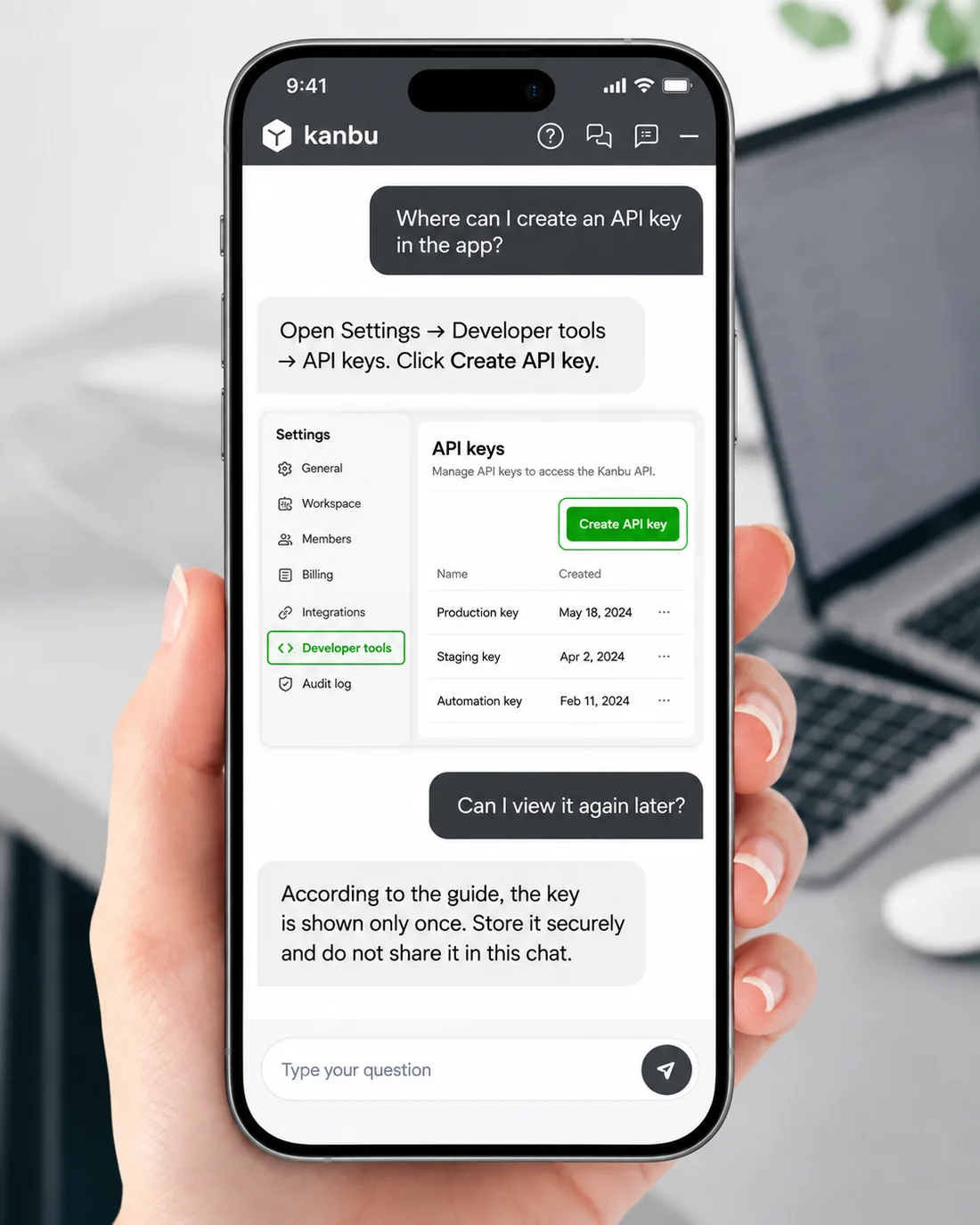
How to complete an action in the product using user docs and a visual walkthrough.
User documentation guide
How to complete an action in the product using user docs and a visual walkthrough.
Collects the error description and creates an issue ticket with conversation context.
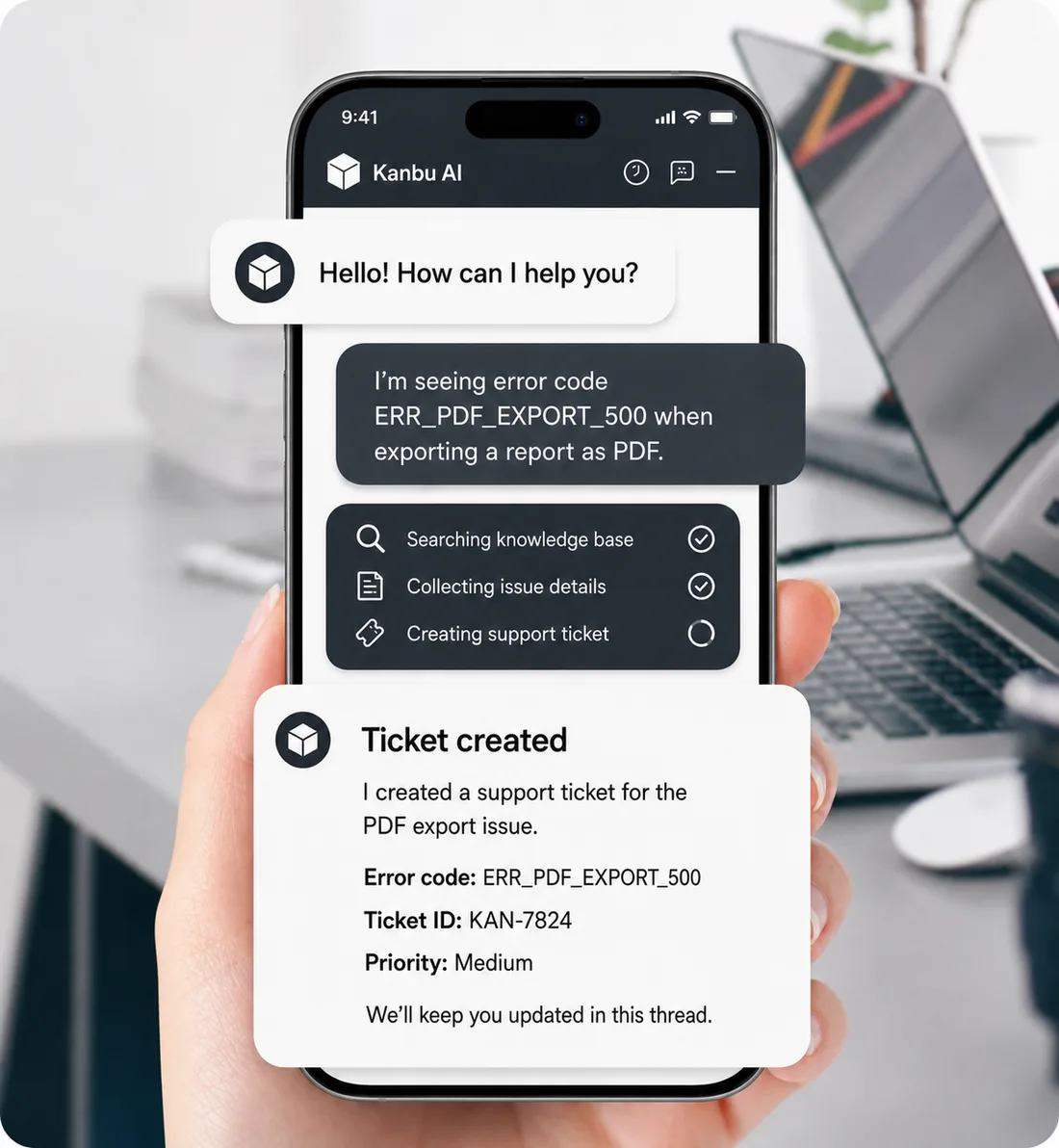
Error report and ticket
Collects the error description and creates an issue ticket with conversation context.
Investigates the likely cause of a webhook failure from docs and reported symptoms.
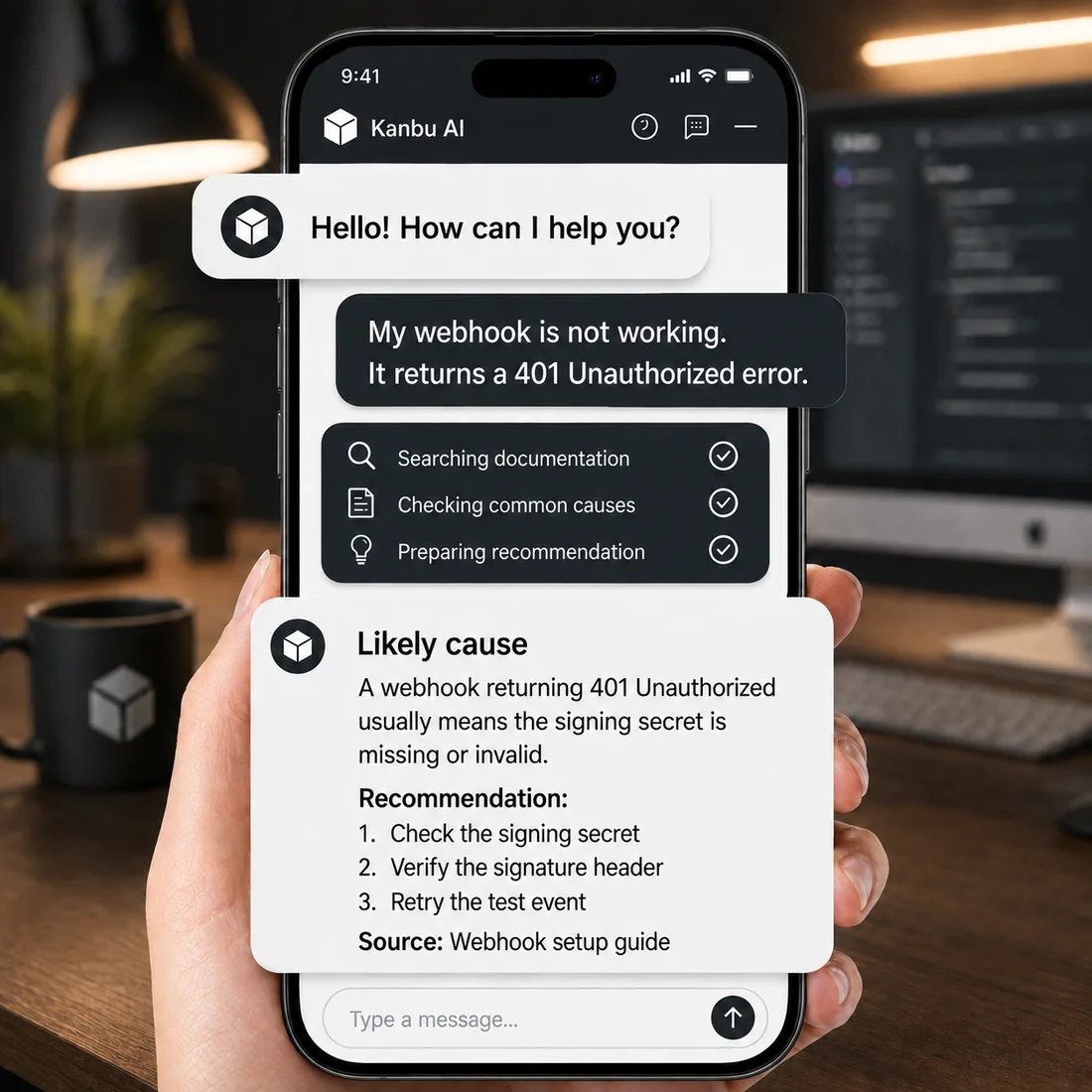
Webhook error investigation
Investigates the likely cause of a webhook failure from docs and reported symptoms.
Collects the error details and creates a support request with the call context.
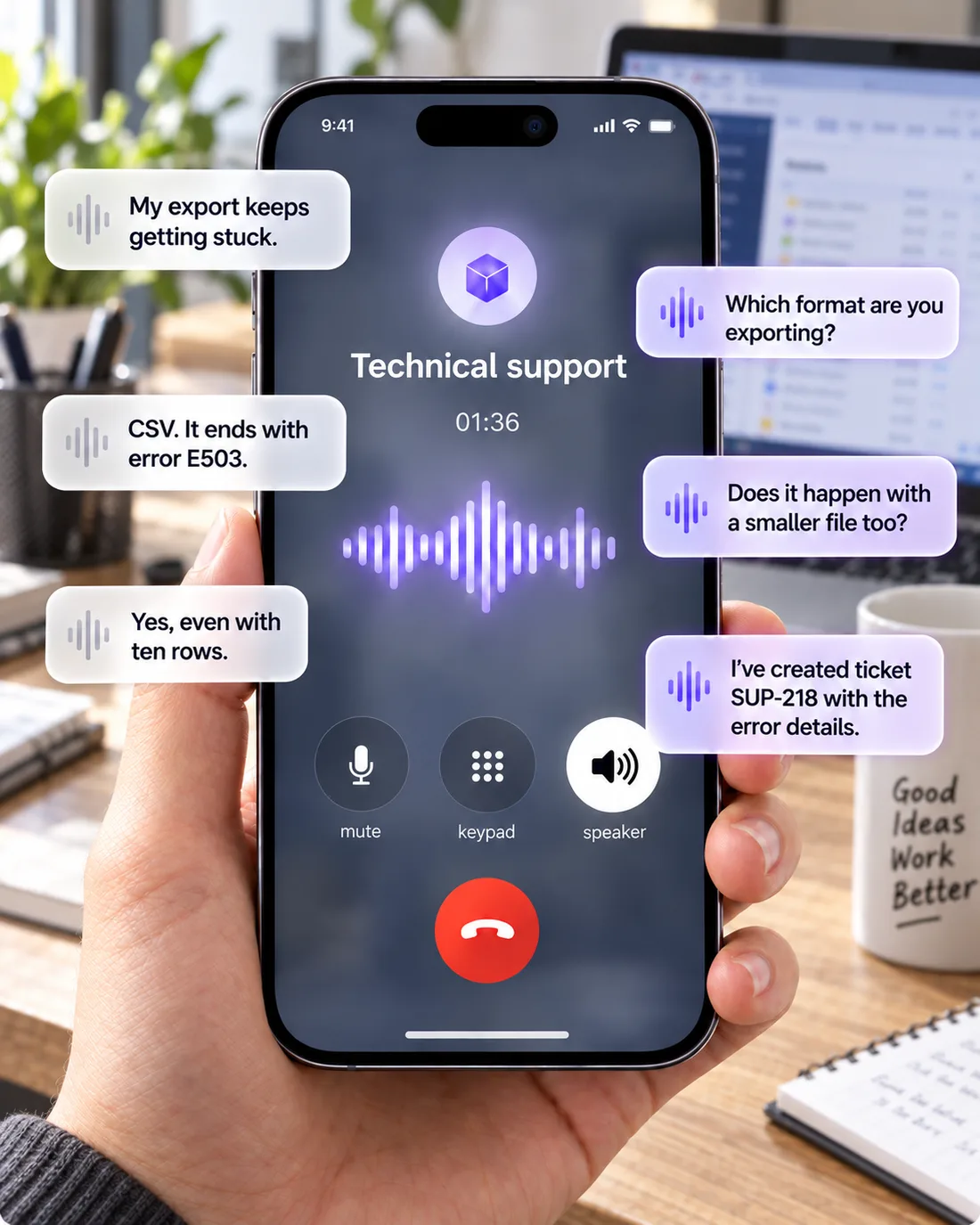
Technical support by phone
Collects the error details and creates a support request with the call context.
Internal system how-to
Step-by-step guidance from approved documentation — adding an employee and checking their details before sending an invitation.
Real deployments
See how Kanbu helps our customers in practice.
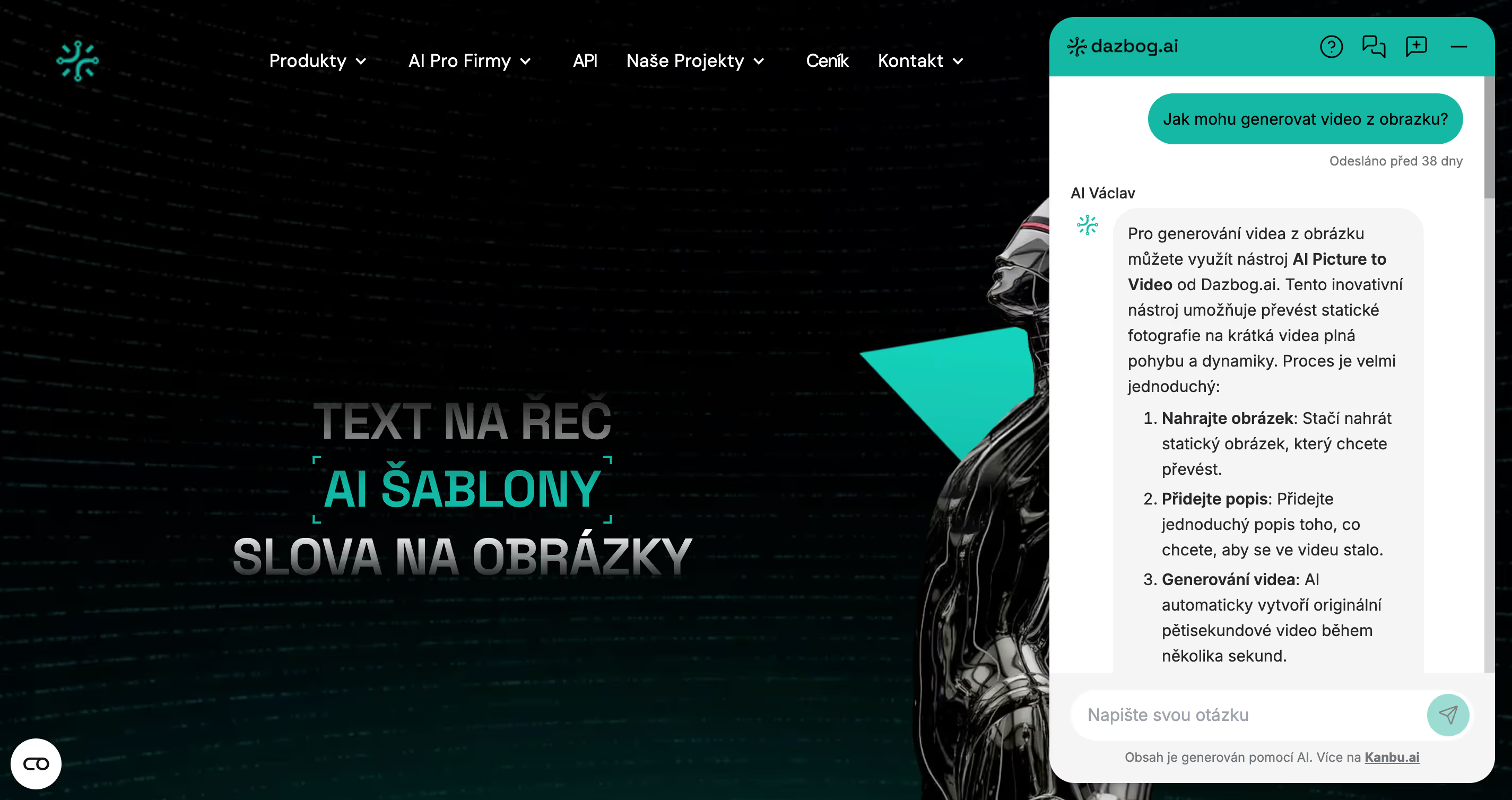
Example connections
These are examples of connections supported by your systems. Configure API or MCP tools and assign them to the assistant; knowledge sources and product feeds provide content for answers.
Account status, plan limits, integration state, workspace metadata
Create ticket with repro steps and priority
Runbooks, release notes, escalation matrix
Create bug report with chat context
App version, error message, repro steps, contact
Pass to support or CSM specialist with full history
Useful knowledge sources
Separate product docs (knowledge base) from live data (API). Website sync, changelog RSS, or Drive keeps answers current after releases.
- Product documentation and API reference
- Pricing pages, feature matrix, and billing FAQ
- Changelog and release notes (RSS or sync)
- Internal runbooks and onboarding materials (playbooks)
Start with your own content
Choose one recurring question type and prepare approved sources. Test answers against real questions, configure human handover, then add actions in connected systems.
Try the software assistant
Enter your docs website URL and in minutes you'll see how I answer — with citations. Set up API connections later in admin.