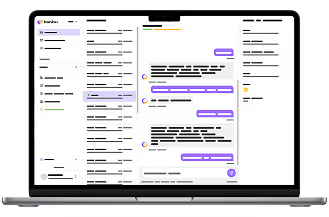
AI assistant over company knowledge
Company knowledge in one place — for your team. Employees ask in a full-page chat or on the phone about policies, procedures, technical documentation and operational data. Internal content stays separate, and you can share selected parts with the customer assistant.
Typical pain
Policies live in Drive, changelogs in Notion, procedures in people’s heads. New hires and ops waste hours searching — and answers differ depending on who you ping on Slack.
- Fragmented sources (Drive, Notion, wiki, email)
- New-hire onboarding without a consistent guide
- Operational questions (“what’s the ticket status?”) outside the knowledge base
- No audit trail: where did that answer come from?
What I handle
- Navigate policies and guides with citations
- New-hire onboarding that follows your playbooks
- Product and process questions from an automatically updated knowledge base
- Operational tasks via Notion, Linear and internal systems (MCP / API)
- A full-page chat for your whole team
- Shared knowledge tree across customer and internal assistants
- Navigating extensive technical documentation, including images and attachments
- The same assistant by phone — for teams in the field, not just at a desk
Outcomes to expect
Fewer “does anyone know where this lives?” pings — answers with citations.
New hires follow an onboarding playbook without shadowing a senior every step.
One platform for customers and your team: separate internal knowledge, with shared parts where it makes sense.
How the team uses it
Ask in full-page chat
Someone on your team asks in Kanbu — on your knowledge and connections, with no need to know which folder holds the doc.
Get an answer with sources
Citations and the activity trail show where the info came from and what I did.
Optionally reach a system
Via MCP or API I can pull a ticket status, a Notion page, or another operational fact.
Escalate exceptions
HR or legal exceptions go to a person — it never makes up company policy.
Concrete scenarios
“How do sick days / remote work work?”
Answer from the approved HR policy with a citation. Collect a request via form or point to the official process — no improvisation.
Week-one onboarding
An onboarding playbook walks new hires through access, tools and who's who. Each step links to current docs.
“What’s the status of LIN-123?”
Through the Linear or Notion connection I read the status and summarize it. I only write a comment if the connection allows it — and you'll see it in the activity trail.
“Where is the contract template?”
I find the document in the shared knowledge base or on Drive, quote the exact section and link to the source.
A technician calls from the field
A service technician on-site calls in to check an installation parameter for a specific model. I find the answer in the technical documentation and read it out loud — hands stay on the tools, not the keyboard.
A teammate calls in on the move
On the warehouse floor or in the field, a teammate doesn't have time to open a laptop. They call, ask for a ticket status or where a procedure lives, and get an answer with a source — hands stay free.
Real deployments
See how Kanbu helps our customers in practice.
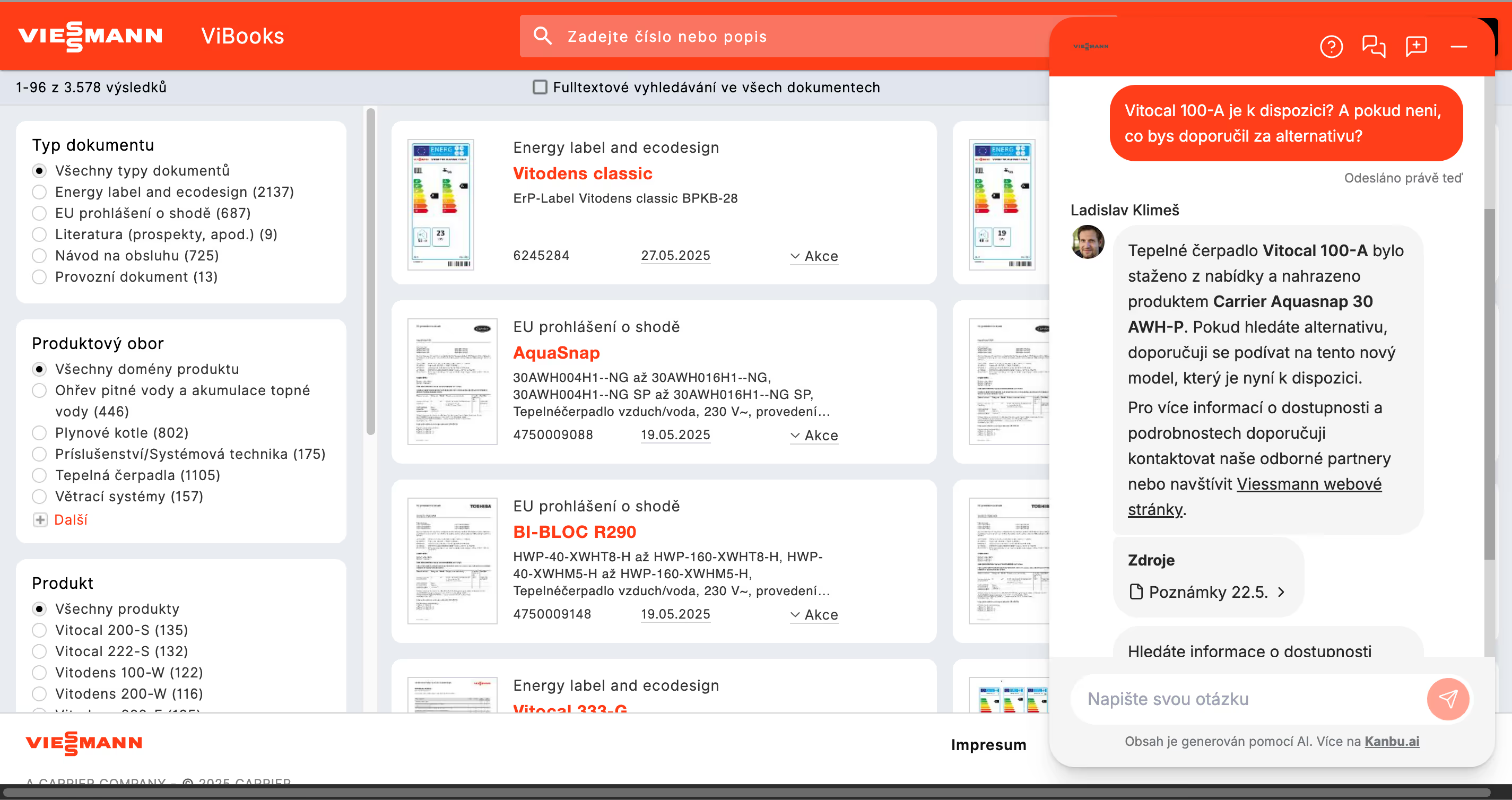
Viessmann
Kanbu.ai helped us make thousands of technical documents accessible through an AI assistant, significantly simplifying navigation through product information.
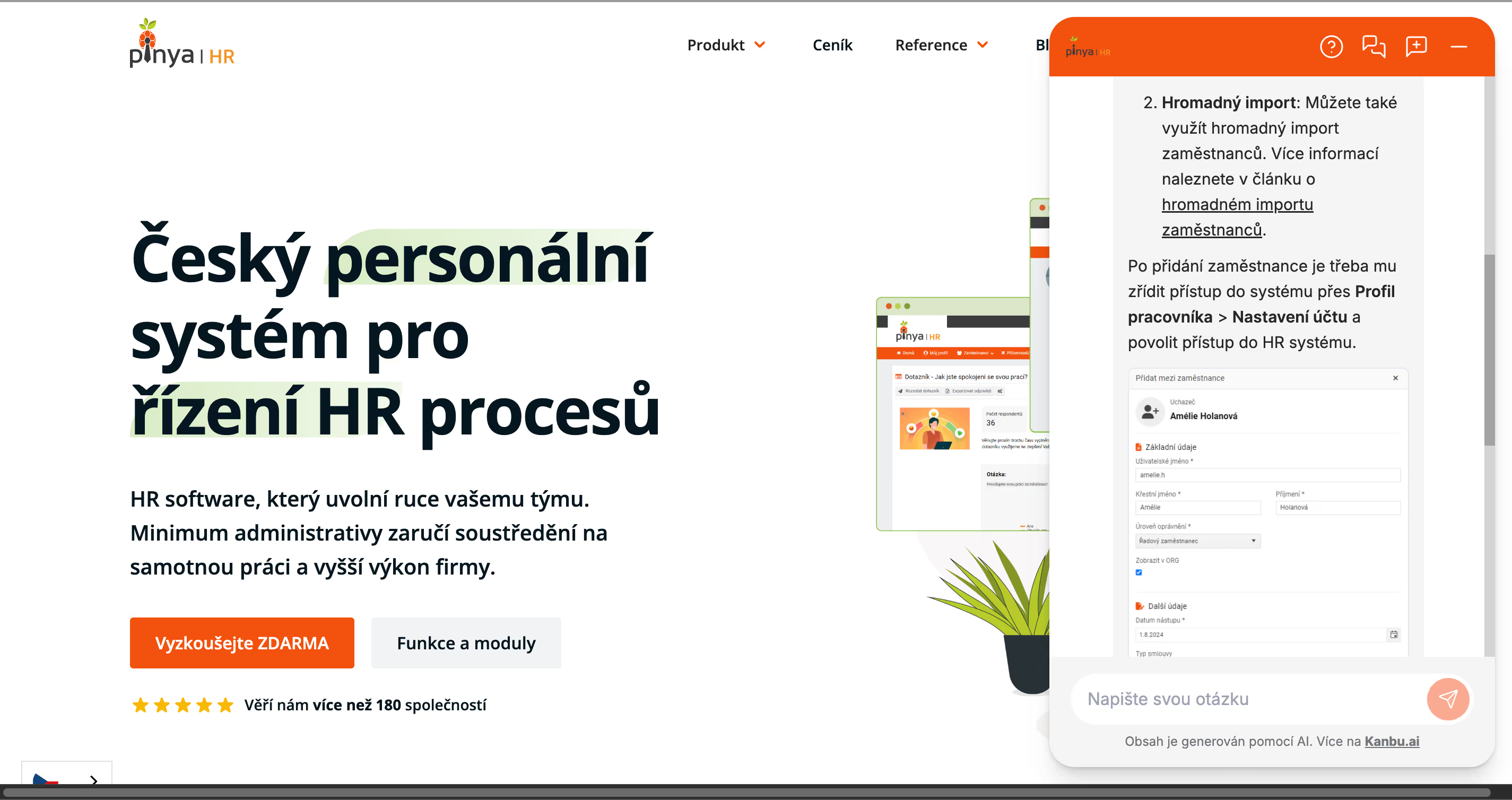
Pinya HR
I helped Pinya HR streamline operations through improved documentation search and made user guides directly accessible within the internal system.
Example connections
The internal assistant runs on the same platform as your customer chat — with its own knowledge and connections, which you can share where needed. A few examples:
Living knowledge base for policies, news, changelogs
Operational Q&A, ticket reads, notes
Onboarding, incident playbook, “how to X”
Surface for your team inside the company — on your knowledge and connections
Account, asset, or order status for ops
HR, legal, security — handed to a person
Useful knowledge sources
Automatic updates are critical for internal knowledge — otherwise the assistant quotes yesterday's policy. Share folders between assistants so customer support and your team work from the same source.
- HR and compliance policies
- IT guides and access playbooks
- Product docs and changelogs (RSS)
- Shared Drive folders / Notion exports with sync
Custom deployment for larger teams
For larger companies we deploy the internal assistant with you: we connect internal systems, prepare playbooks and tune answers on your real questions.
Connect your company knowledge
Start with your website or a Drive folder, try answers with citations and add connections to internal systems step by step.